User: Invoices
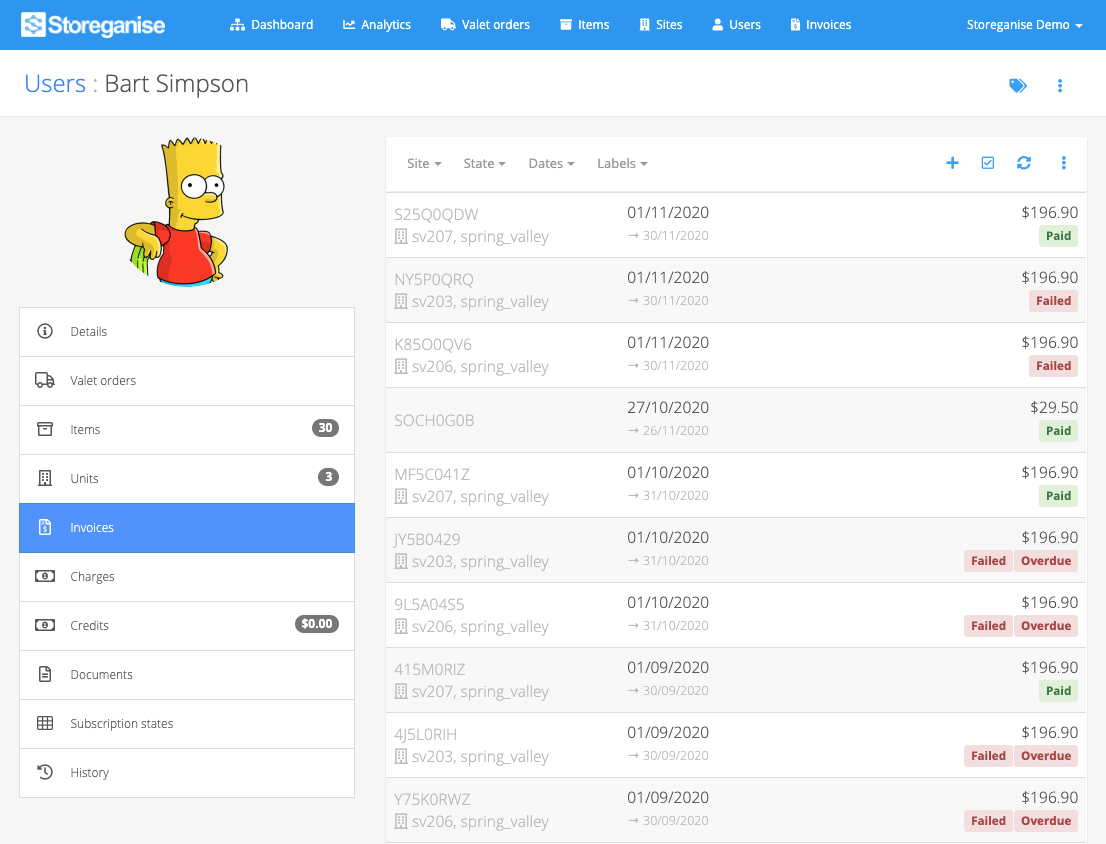
Manually create an invoice
If you need to manually create an invoice, click on the + icon in the top right corner.Set the date for the invoice and once created, the system will automatically take you to that invoice which you can manually edit, if required and then process accordingly.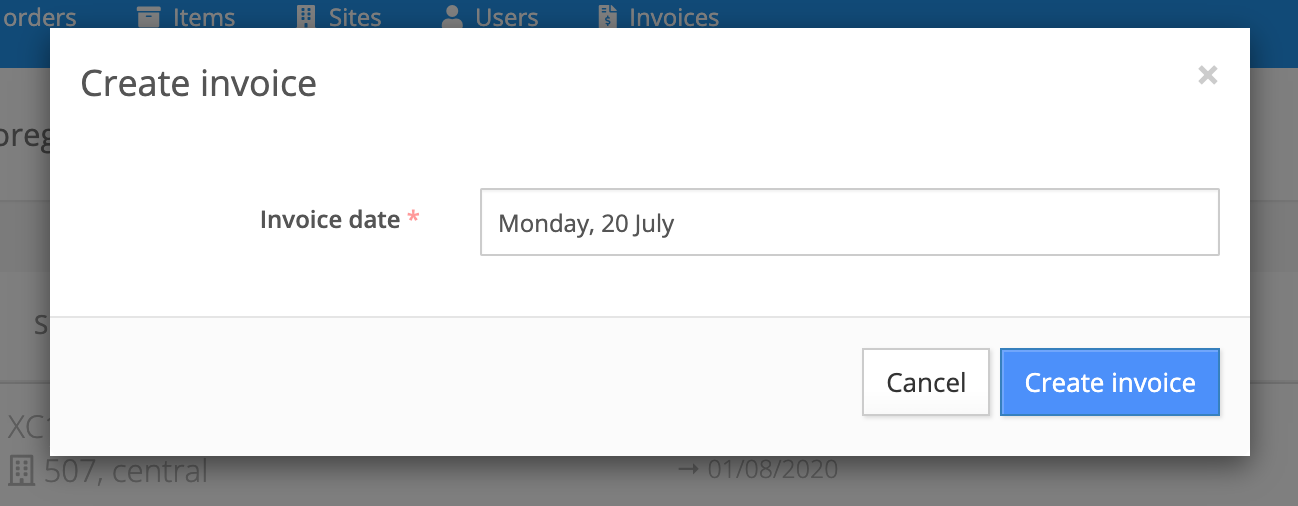
Bulk charge / send invoices
You can use the bulk update function to charge / send a number of invoices at the same time. To learn more about this function check out the invoices tab help doc.Jump to