Cybersource MOTO orders
Register payment details on behalf of a customer, from Cybersource dashboard and attach it in Storeganise
1. Log in Cybersource dashbaord
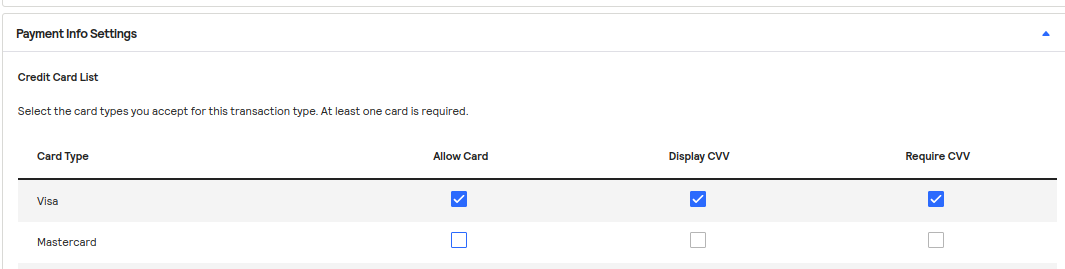
2. Make sure the customer's card type is allowed in Virtual Terminal > Terminal Settngs
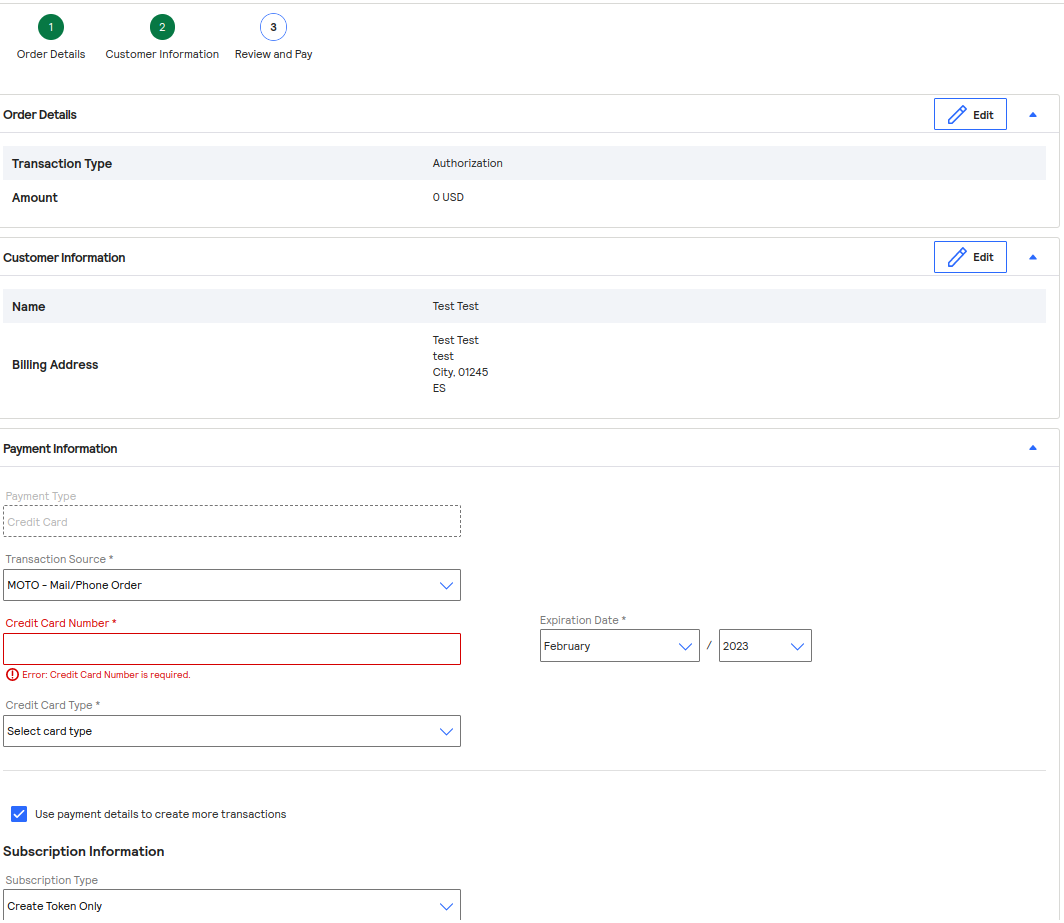
 3. Use Virtual Terminal > One-Time Payment to save the customer's payment infos
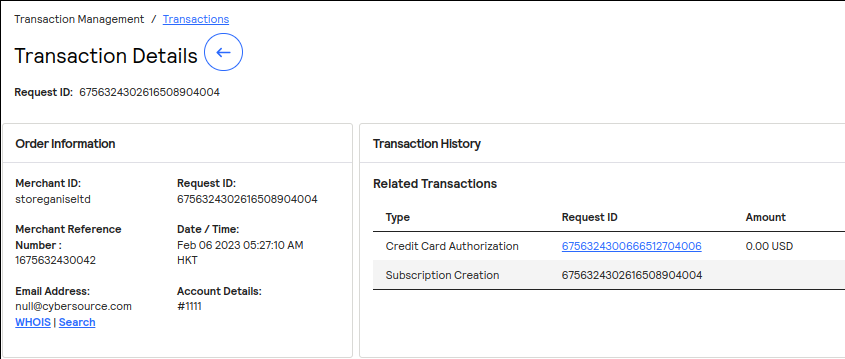
 4. Retrieve the transaction ID in Transactions, copy the Request ID corresponding to the Subscription Creation
 5. Create a user-{email}.csv file with the following example content
6. Update the customer in Storeganise, using the Update feature and select that file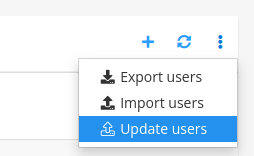 Now the customer should be able to pay using his card
3. Use Virtual Terminal > One-Time Payment to save the customer's payment infos
4. Retrieve the transaction ID in Transactions, copy the Request ID corresponding to the Subscription Creation
5. Create a user-{email}.csv file with the following example contentid,billing.type,billing.id
626963ccbdd758003e57bdd9,cybersource,6756324302616508904004
6. Update the customer in Storeganise, using the Update feature and select that file
Now the customer should be able to pay using his card