Onboarding setup 1: Business settings
Overview
Welcome to Storeganise!This document is the first of five setup guides intended to provide essential settings and general information for establishing a new account. While our support staff will assist you during onboarding and training calls to set up your business, the content here aims to offer an overview of your new Storeganise instance, allowing you to familiarize yourself with the system promptly. . If there is any confusion or hesitation we will of course be here to help, but we encourage you to begin configuring these settings yourself.Main Settings
Click on your name in the top right corner and select Main settings. This is where you will find all of the settings that relate to your operation as a whole. Below is a brief overview of each section of the main settings with specific settings to take note of when configuring a new account.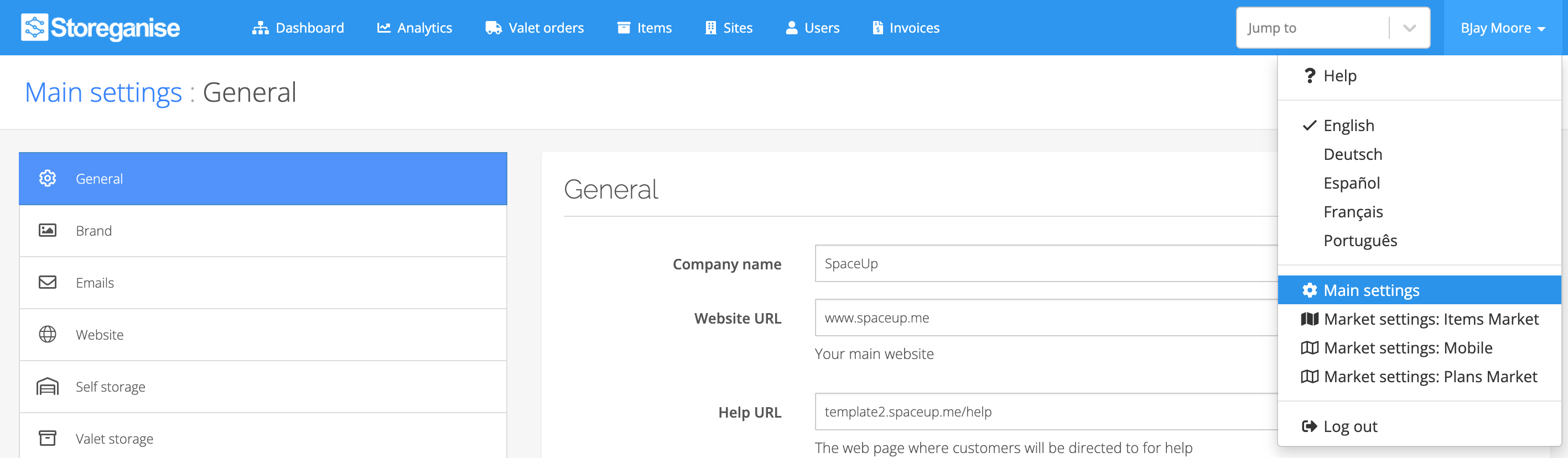
General
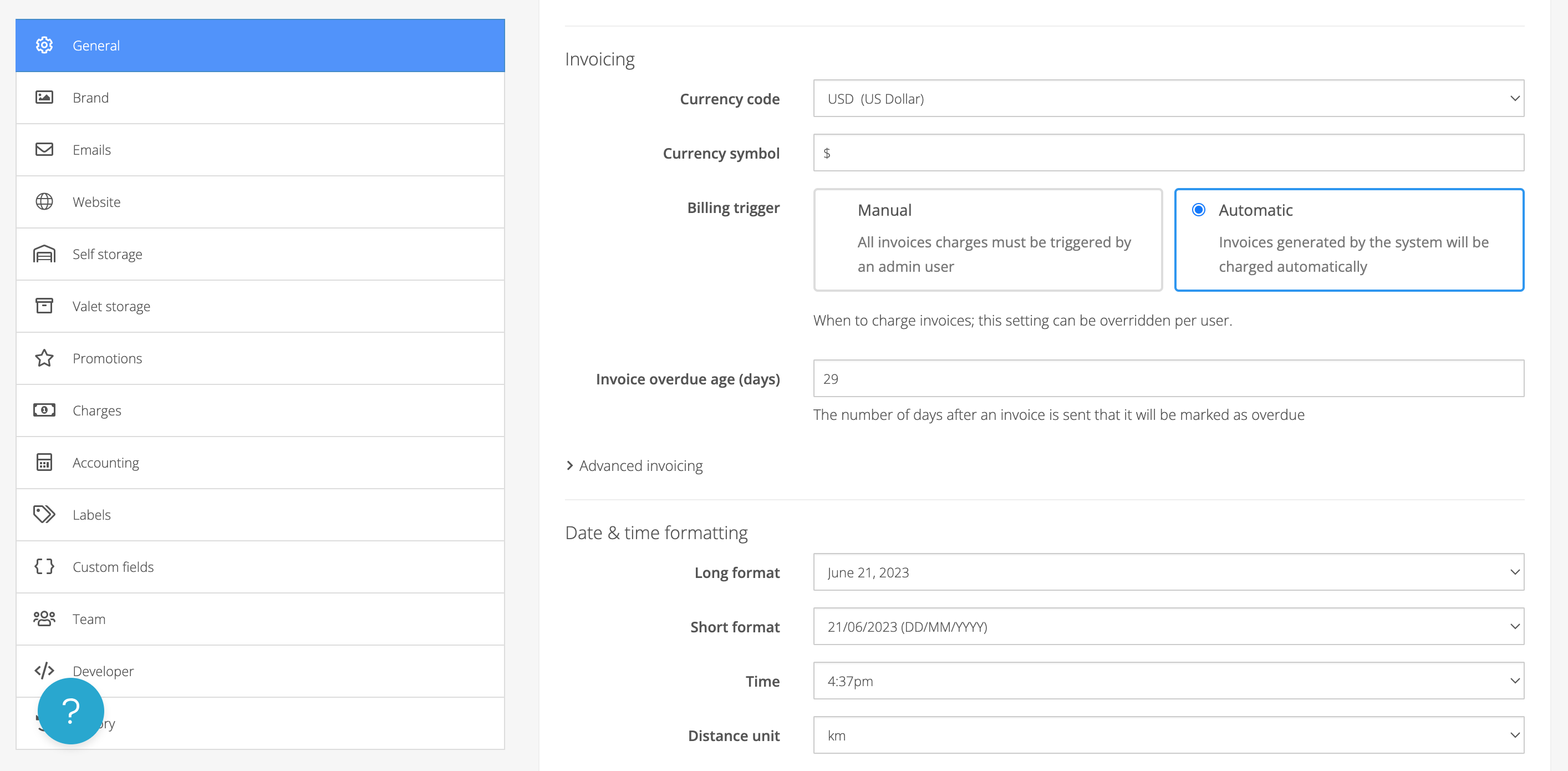
Setup your company name, website URL (if applicable), phone number, terms & conditions, and system-wide date & time formatting here.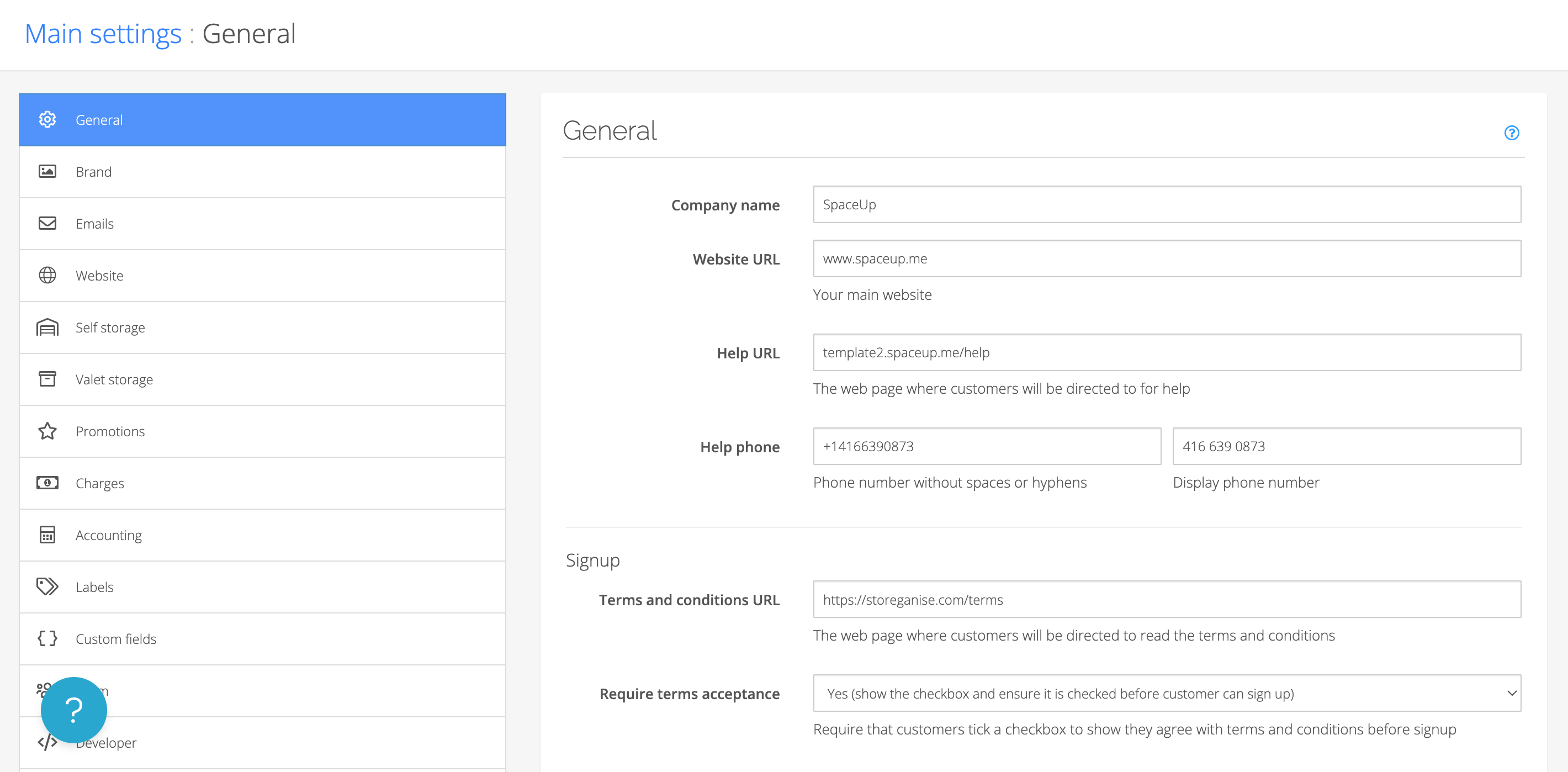
Brand
Setup your company’s color, logo, and icon here. This will apply to your customer booking portal, invoice email communications, and the website builder (if you utilize this service). The Preview section at the top will give you a quick example of the colors and logo as you make changes.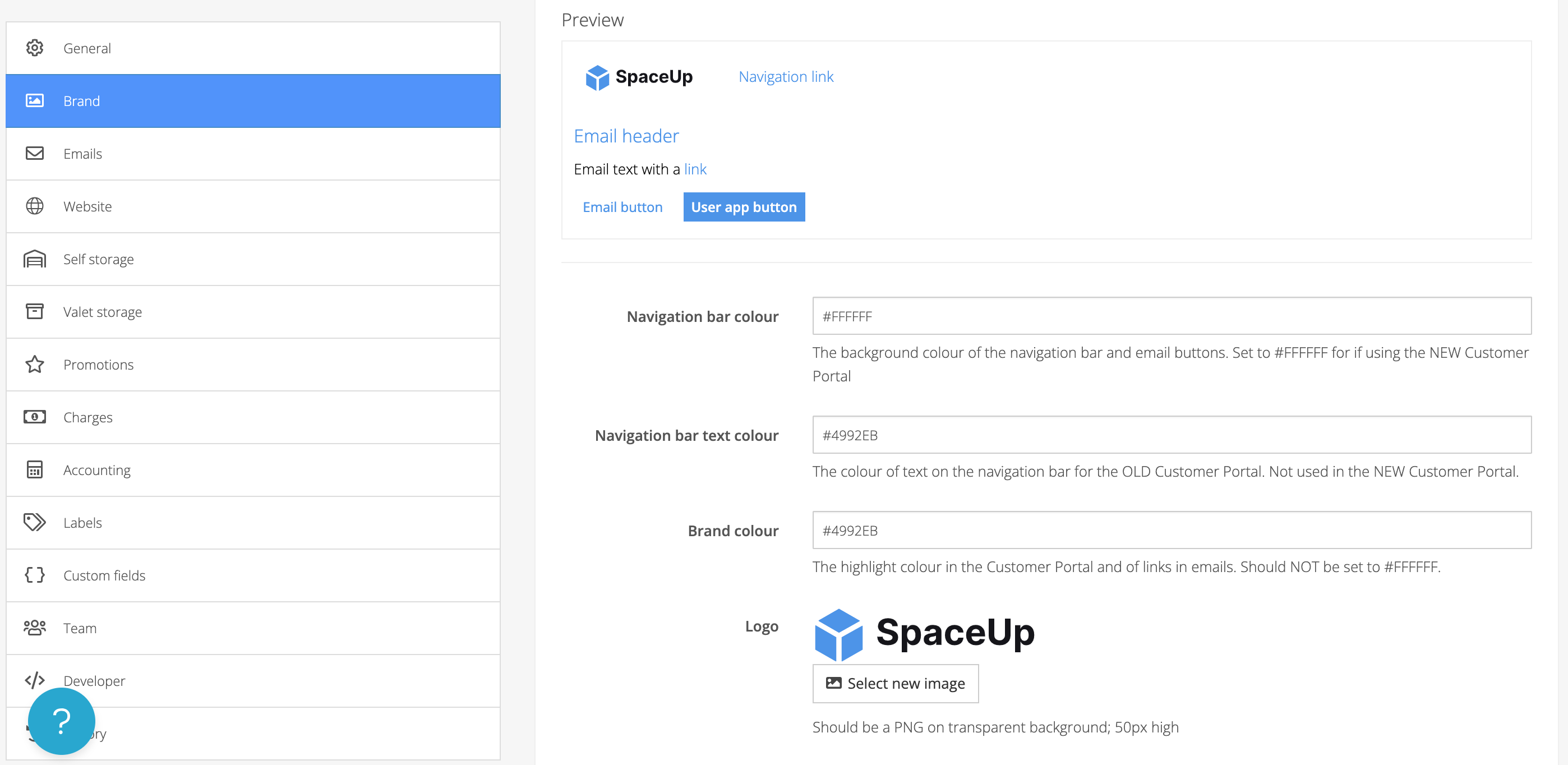
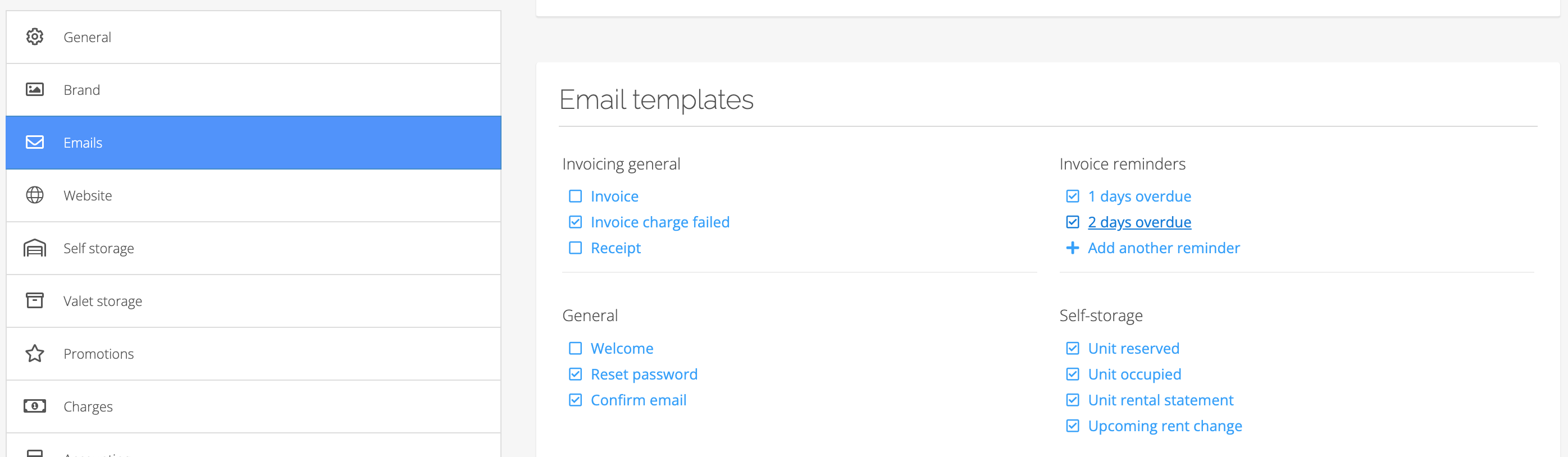
Emails
Setup the name and email address that invoice communications going to your customers will be sent from.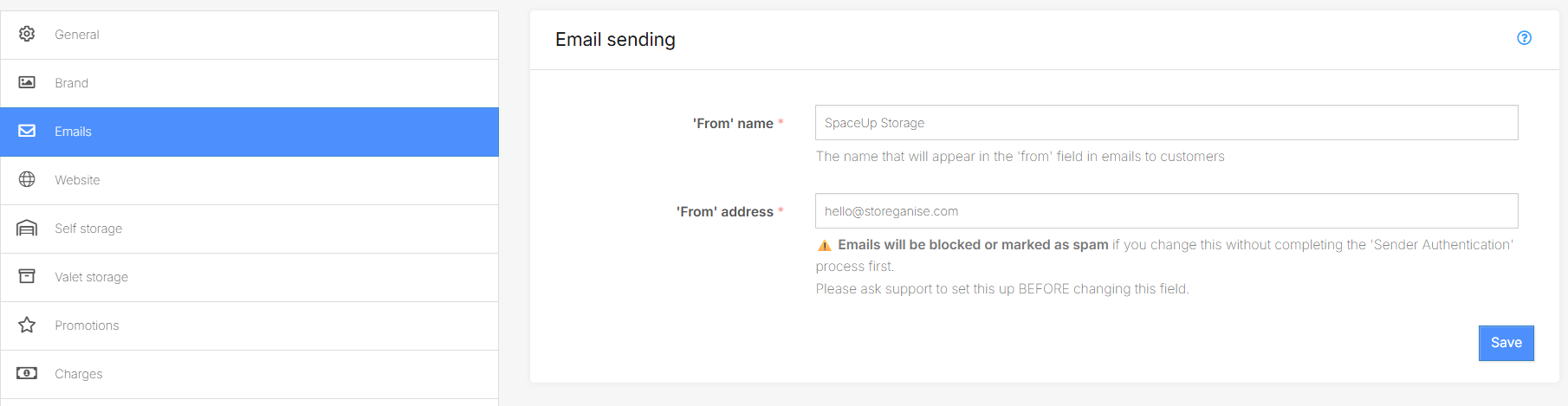
Website
If you are utilizing our website builder, this is where you will set up your custom website. You can view our help documentation for the website builder here.Self storage
Setup the Unit features you plan on using for your unit types. There is a large selection of icons for you to choose from.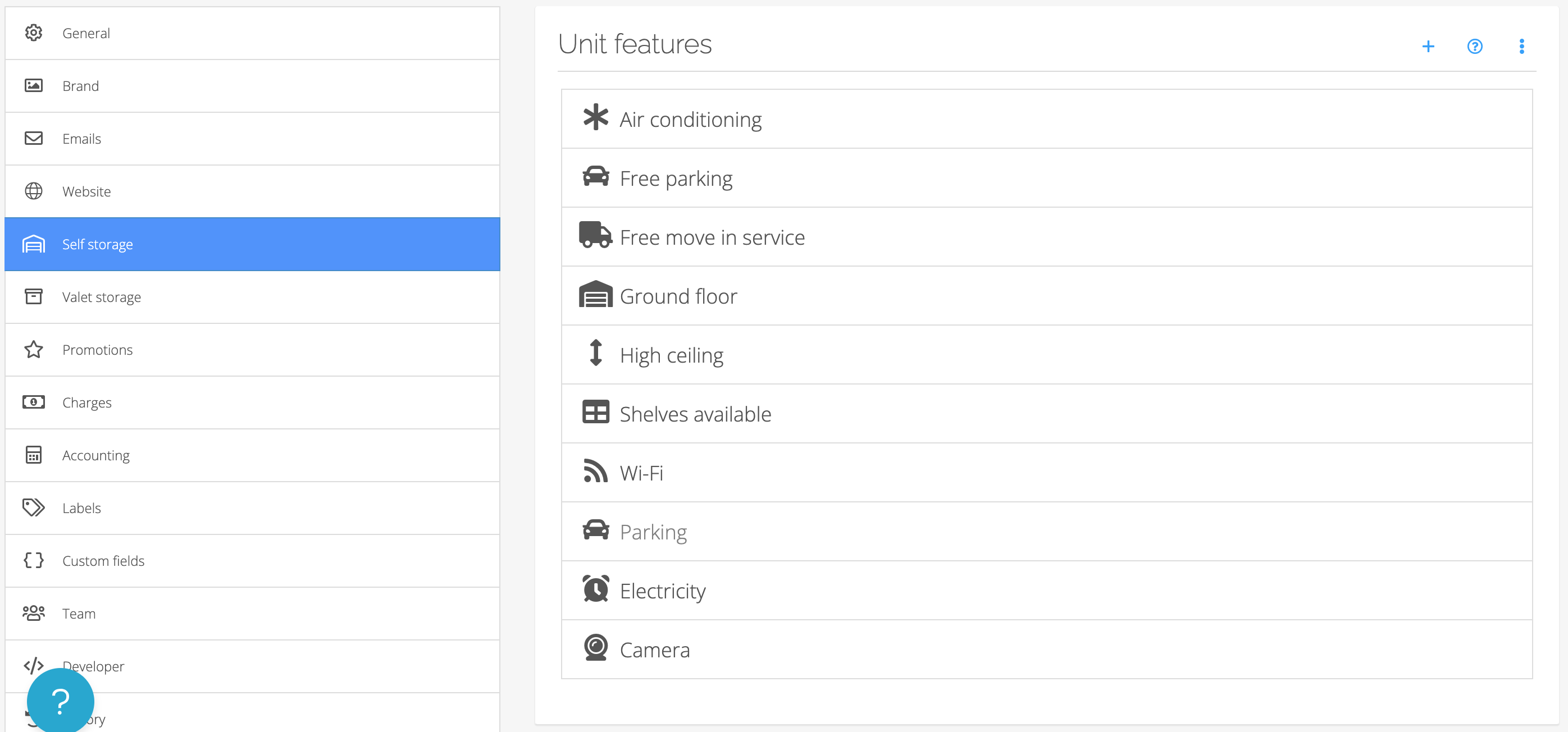
Jump to