Payments
Overview
The Payments section in Storeganise allows you to view received payments, providing a comprehensive view of all transactions. To access this feature, head to the Invoices tab and click on 'View Payments' situated on the right side.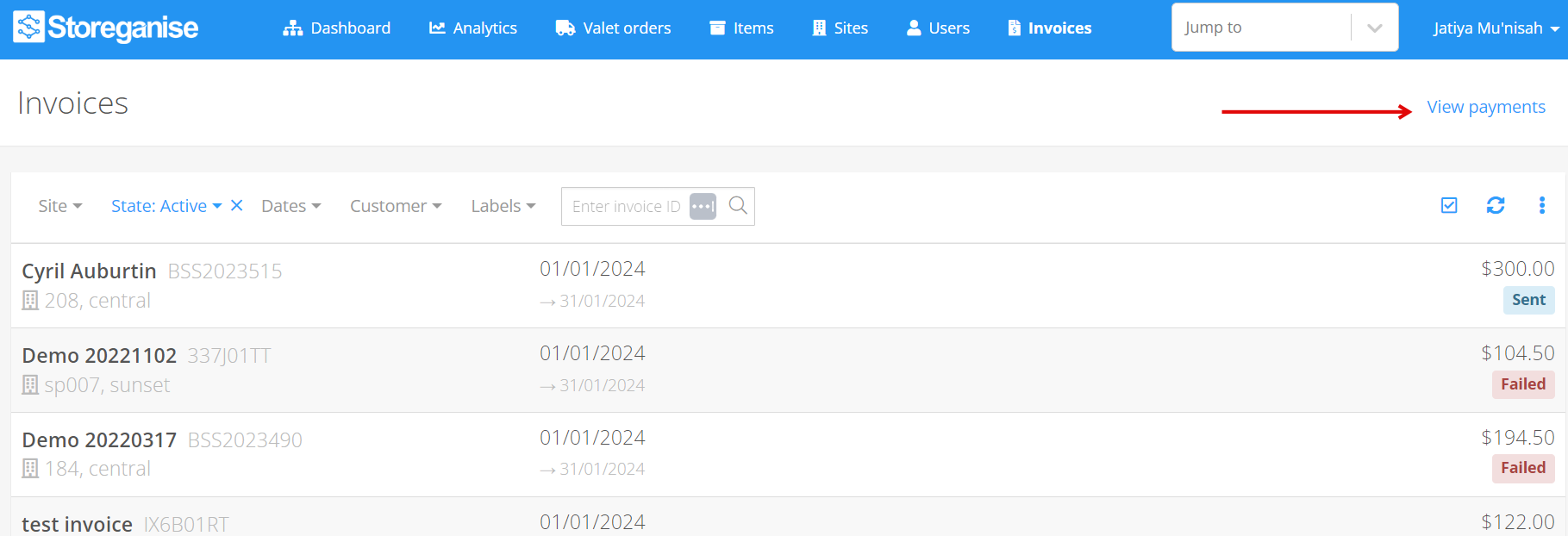
Filtering payments
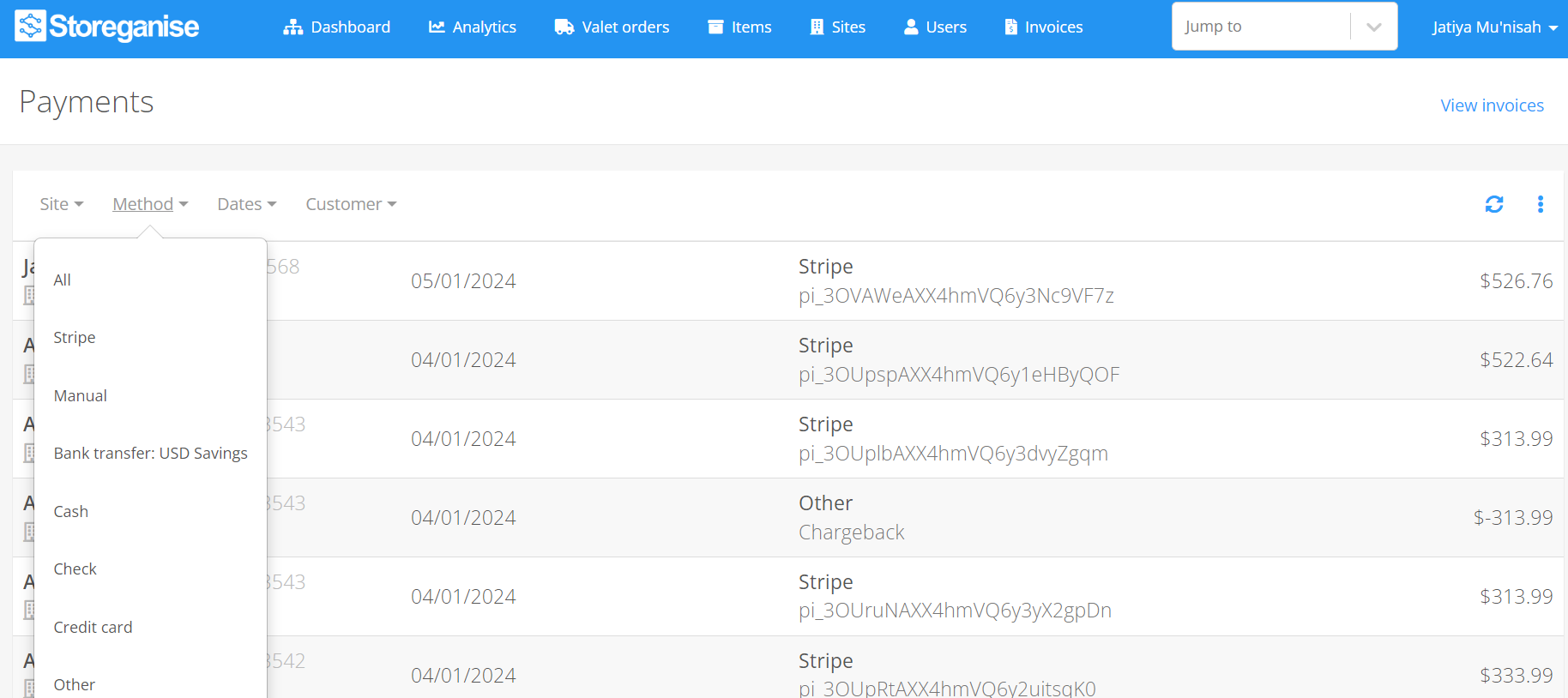
Within the Payments view, you can filter payment data based on various criteria, including site, payment method, date, and customer.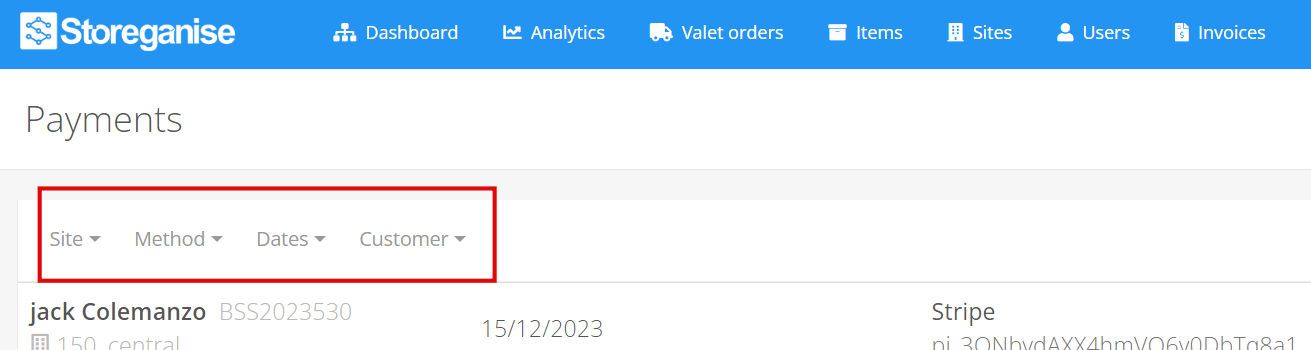
Exporting payments
You can also export the payments data. The data will be exported in a comma-separated values (CSV) file format based on the filters that are applied on the respective page that you are on.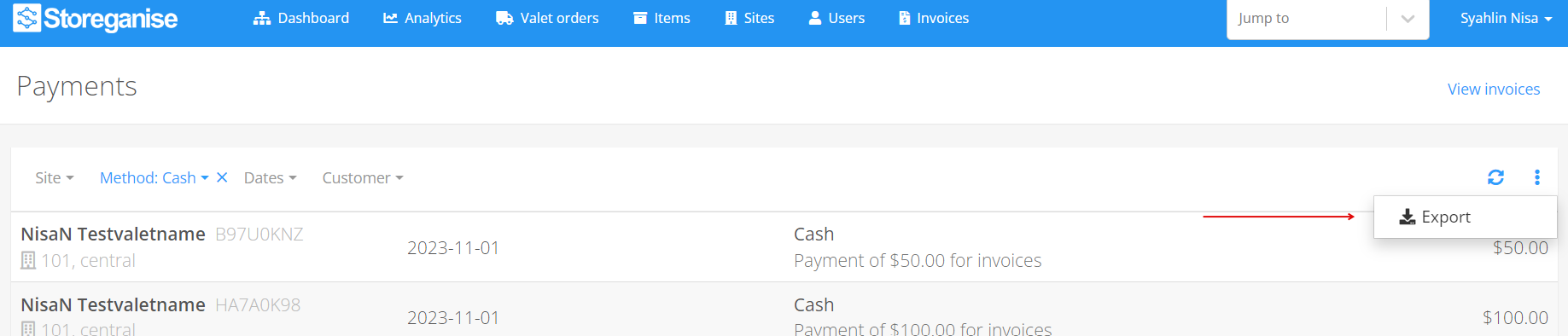
Jump to
Related articles
Invoices tab overview
Exporting data from Storeganise