Market and plan user details
Market
The Market that a user is assigned to. You can edit this by clicking on the pencil icon.Note: changing a market will change how a customer is charged so make sure you are aware of this before making any changes.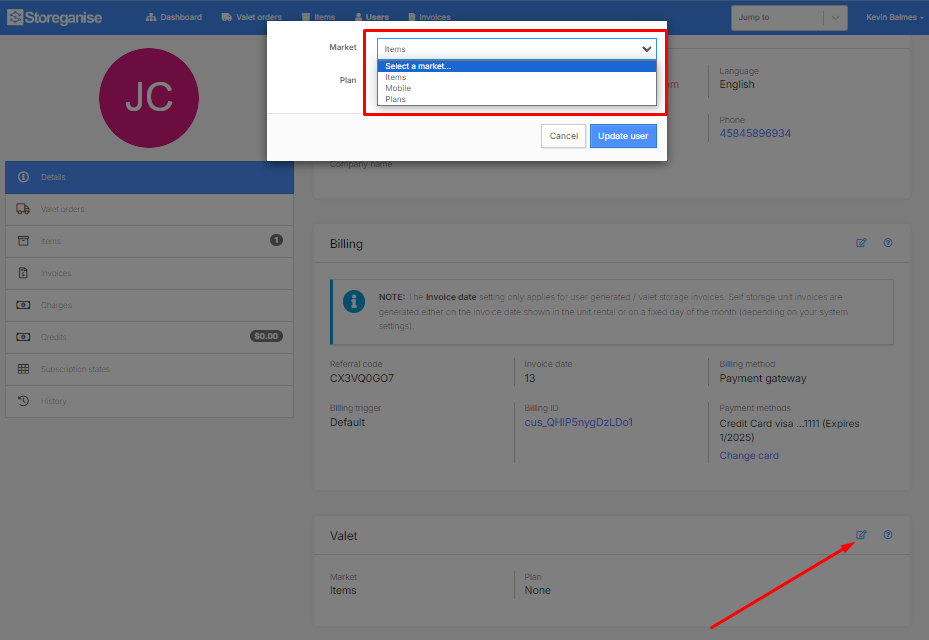
Plan
The Plan that the user is assigned to (if you have plans enabled for your market). This can be edited by clicking on the pencil icon.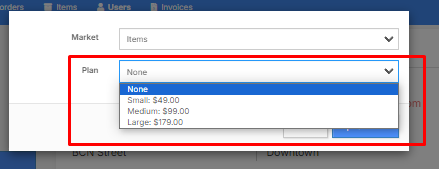
Jump to
Related articles
User onboarding flow
Market settings: Optimizing product offerings and pricing
User invoices for valet storage
Create and view valet orders for all users