Creating unit types
To add a unit type, click on the + button in the top right-hand corner.
Fill in the details of the unit type:
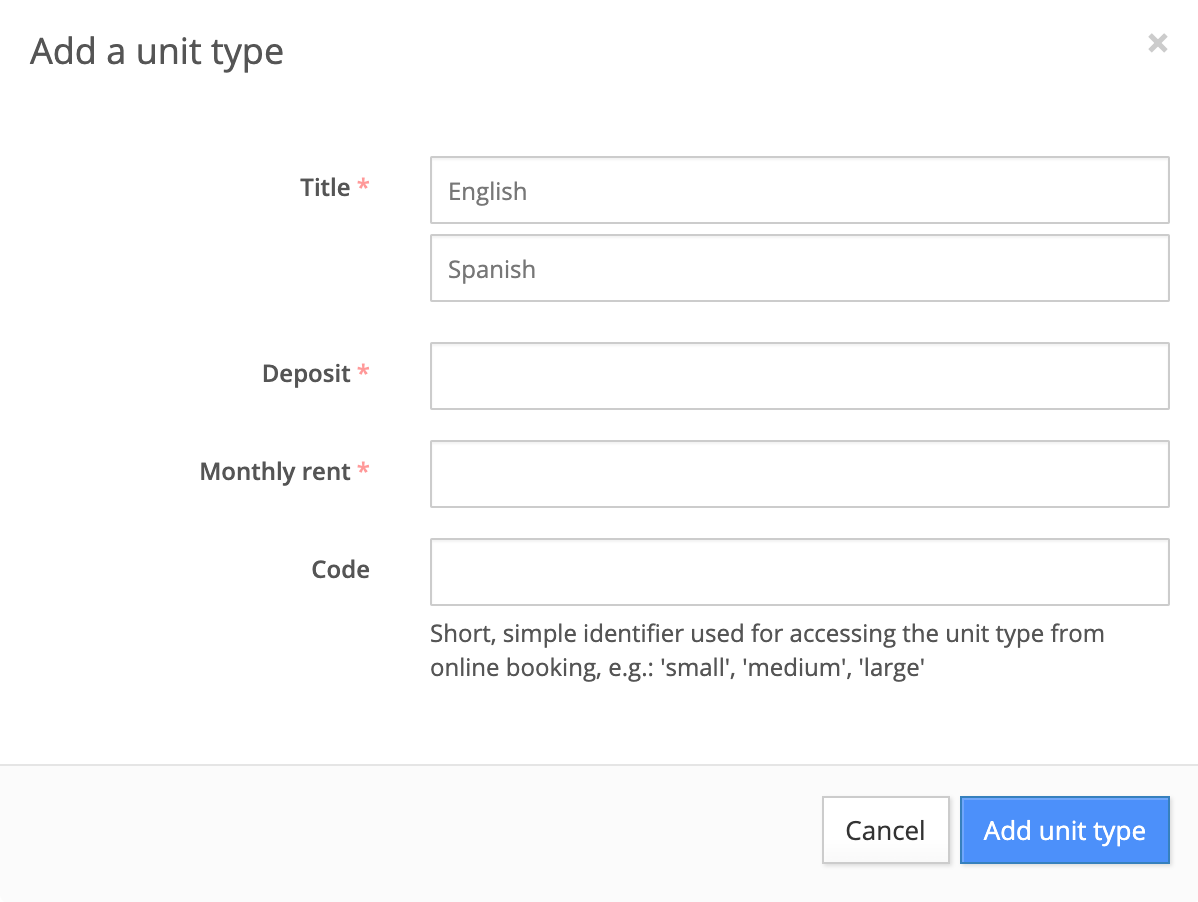
- Title: Unit type name to be shown on the units app.
- Deposit: Deposit amount being charged.
- Monthly rent: Rent rate to be charged per month.
- Code: Simple identifier for identifying and accessing the unit type.