Add-on: Hide unavailable unit types
Use the "Hide unavailable unit types" Add-on to make your Customer Portal clean and focused. 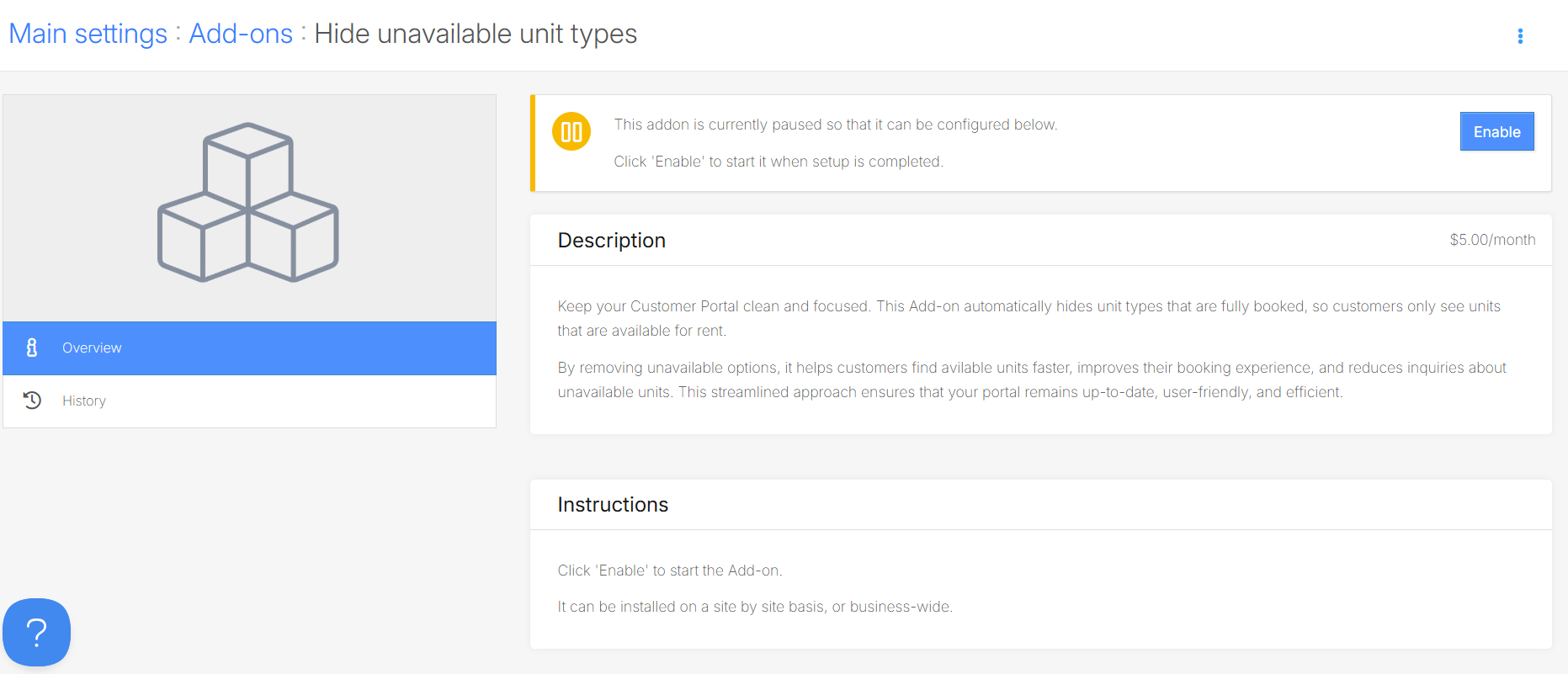 This add-on helps maintain a clear and efficient Customer portal by only displaying unit types that are available for booking
How it works
- Automatically hide any unit types that are fully booked (i.e., occupied, reserved, or blocked) from the Customer Portal.
- Show only unit types with available units, ensuring customers can only view what’s currently rentable.
- The unit type will no longer be visible in your Customer Portal, and it will also be labeled as "Hidden" in your Management Portal.
Please note that you need to set the unit type to hidden the first time you enable it.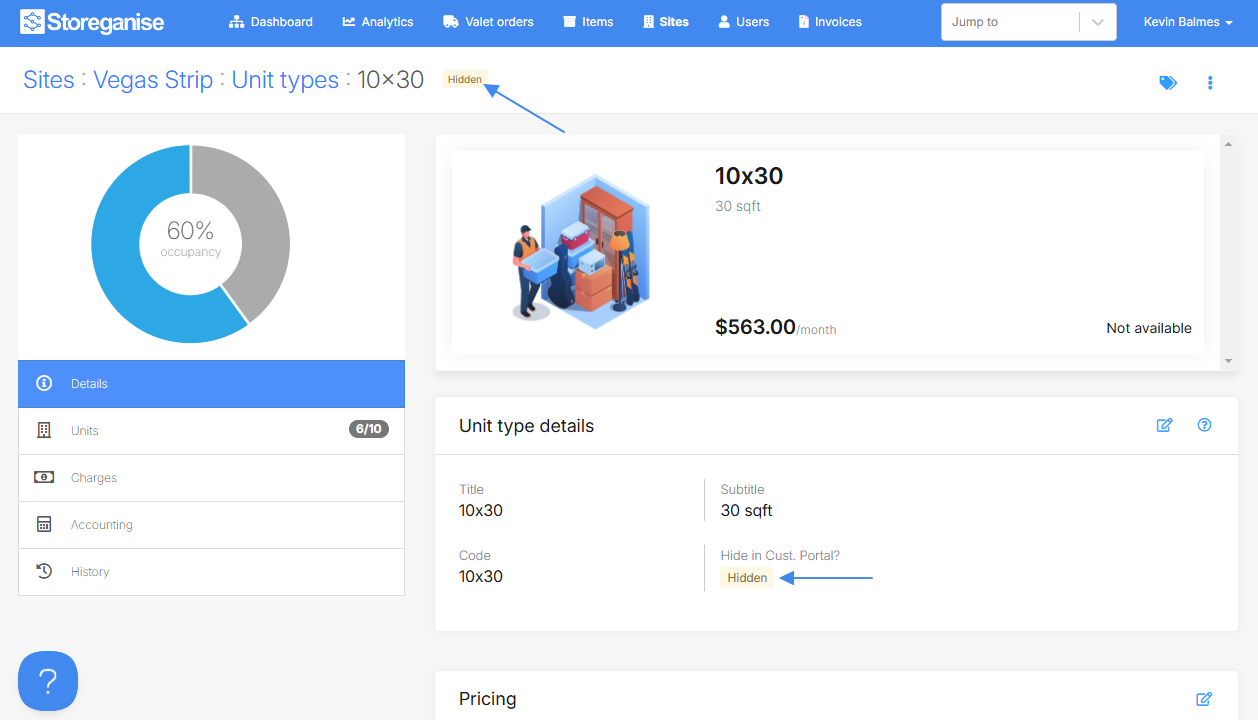
Enabling the "Add-on: Hide unable unit types"
- In your Management portal, go to the specific site where you want to enable this add-on or the Main Settings.
- Go to the "Add-ons" section and click the "Add-on: Hide unavailable unit types" then "Enable."
Ready to get started?
Send us your request and the Storeganise team will install the Hide unavailable unit types Add-on for you.
Request installationJump to