Using notes in Storeganise
Storeganise allows you to add internal Notes to both customer profiles and unit rentals. Notes help you store important internal information that should remain visible and easy to access.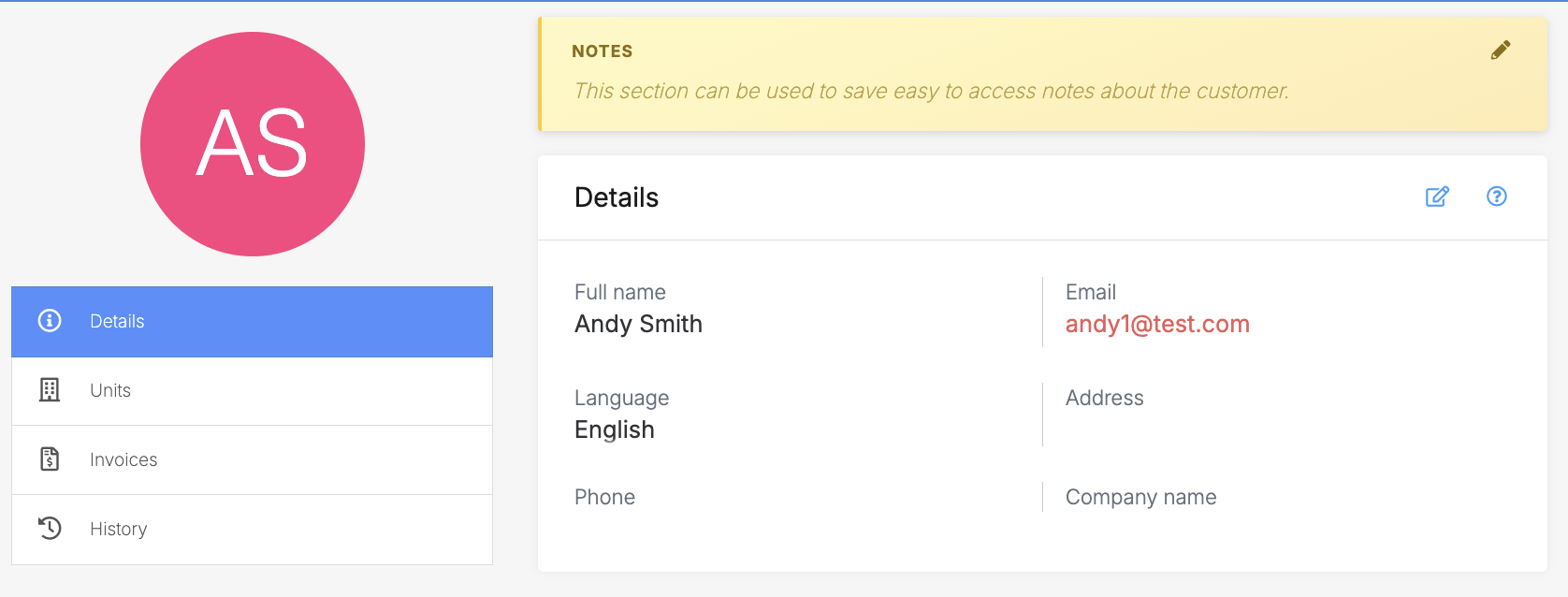
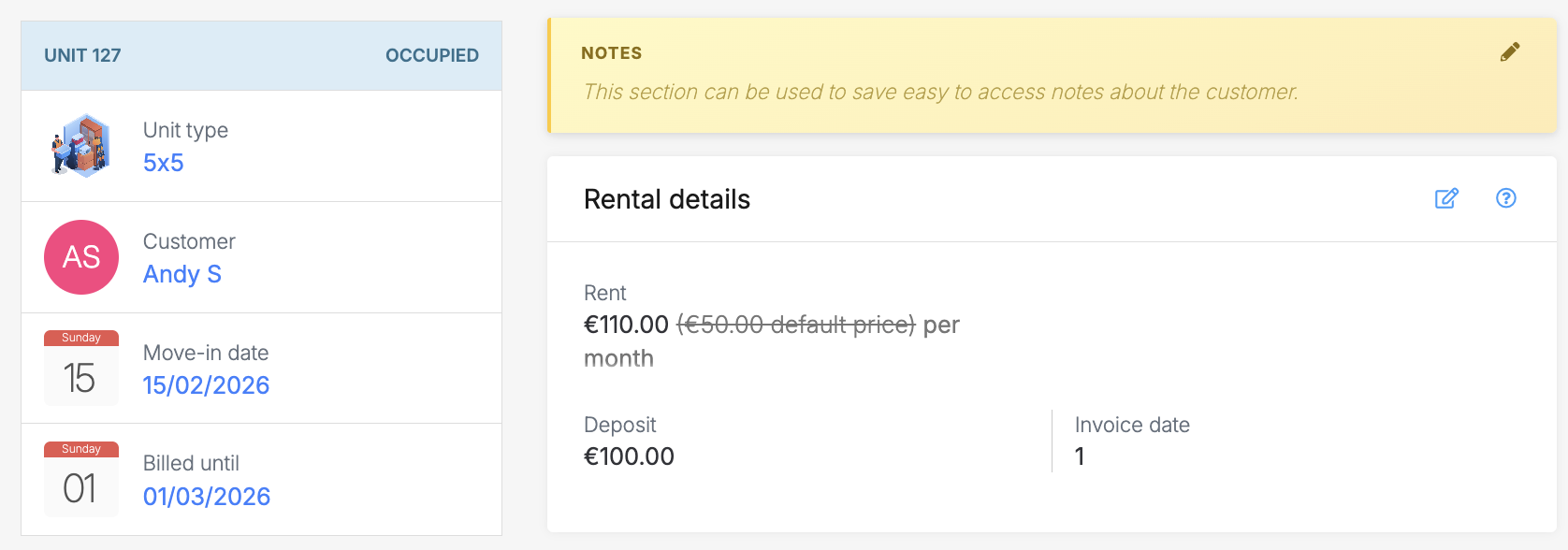 In both cases, the Notes section appears at the top of the page, making it easy for staff to see important information immediately.
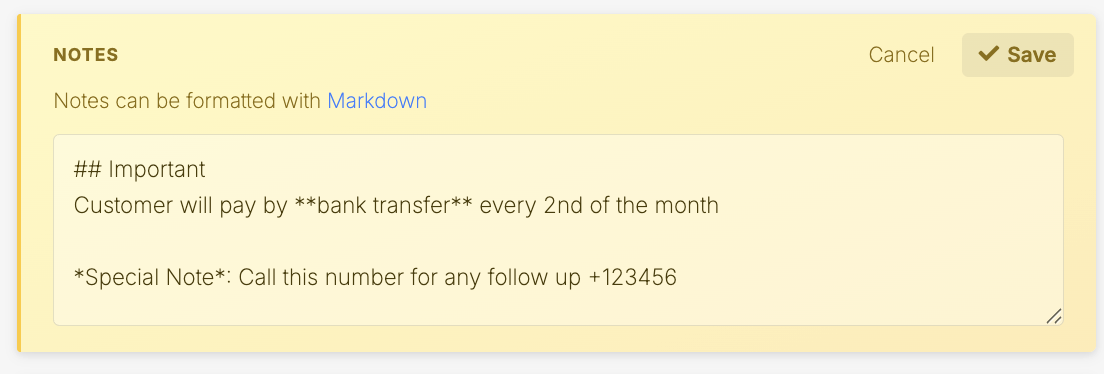 Once saved, you'll see the notes using the applied Markdown formatting.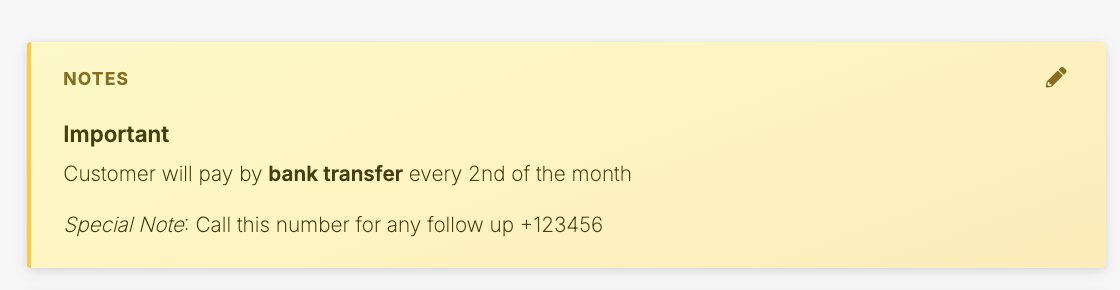
Where notes are available
You can add Notes in two places:How to add or edit notes
To add or edit Notes, open the customer profile or unit rental page. Locate the Notes section at the top of the page and click the pencil icon to begin editing.Enter your note and save your changes. The updated Note will remain visible at the top of the profile or rental.The notes section supports Markdown which enables you to add simple formatting to the text such as bold text, bullet points, and links. If you want to learn more about using Markdown, check out this Markdown cheat sheet or this Markdown editor.When to use notes
Use Notes to store important internal information that should remain visible and relevant over time.Examples include:- Customer preferences, such as “Prefers phone over email”
- Special operational instructions
- Important billing arrangements
When not to use notes
Do not use Notes for temporary actions, reminders, or one-time follow-ups.If you need to track something that requires action, such as calling a customer or following up on a payment, use Tasks & reminders instead.For example:- “Call customer about late payment on January 15”
- “Follow up tomorrow regarding insurance documents”
Using history comments for time-specific logs
If you need to record a one-time interaction or event, use the History section instead of Notes.For example:- “Called customer on January 15 about late payment”
- “Left voicemail regarding gate access”
- “Customer confirmed move-out date”
Jump to
Related articles
User details
Unit rental details
Unit history