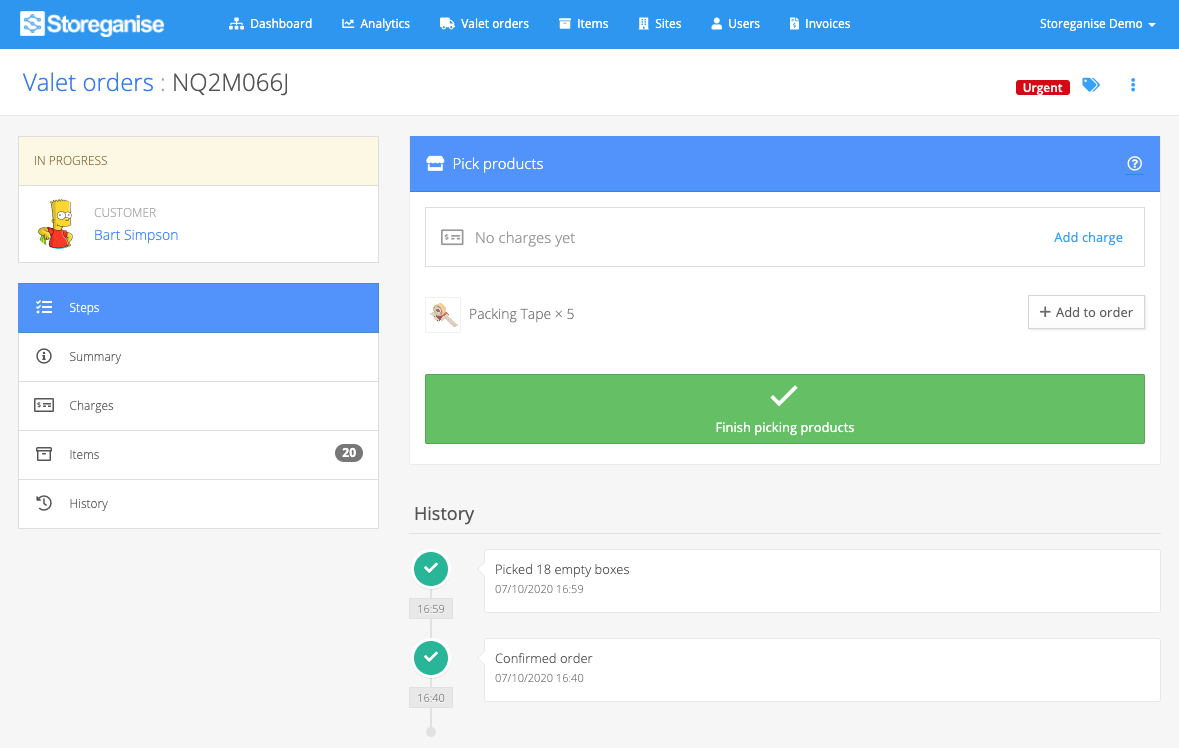
Valet order step: Pick products
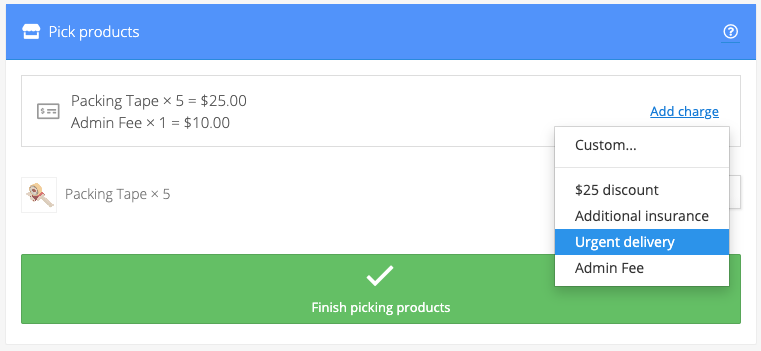
If the customer ordered products, you can add them to the order by clicking on the Add to Order button next to each product type. Products that are added create respective charges in the Charges section of the order.
Related articles
Valet Order Step: Pick empty boxes or items
Valet order step: Review orders
Valet order step: Deliver to the customer
Valet Order Step: Store items in a warehouse