Tracking customer information in Storeganise
Storeganise gives you several ways to store and manage information about a customer. Each tool serves a different purpose, and using the right one makes it easier for your team to find what they need and act on it quickly.This article explains when to use each option: notes, history comments, tasks, custom fields, and labels.
| Situation | Use |
|---|---|
| Important ongoing information about a customer | Notes |
| Recording what happened in a call or interaction | History comments |
| Something that needs to be done and tracked | Tasks |
| Structured data you need to collect from all customers | Custom fields |
| Categorising customers for filtering or segmentation | Labels |
Notes
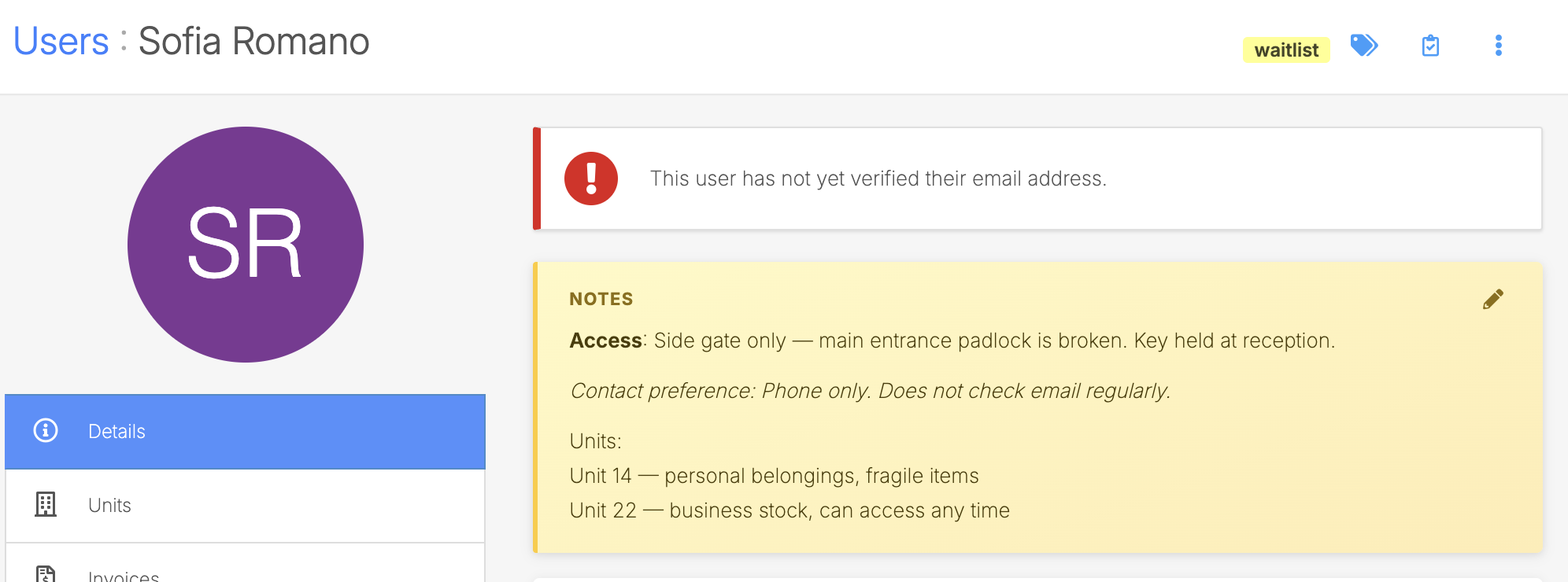
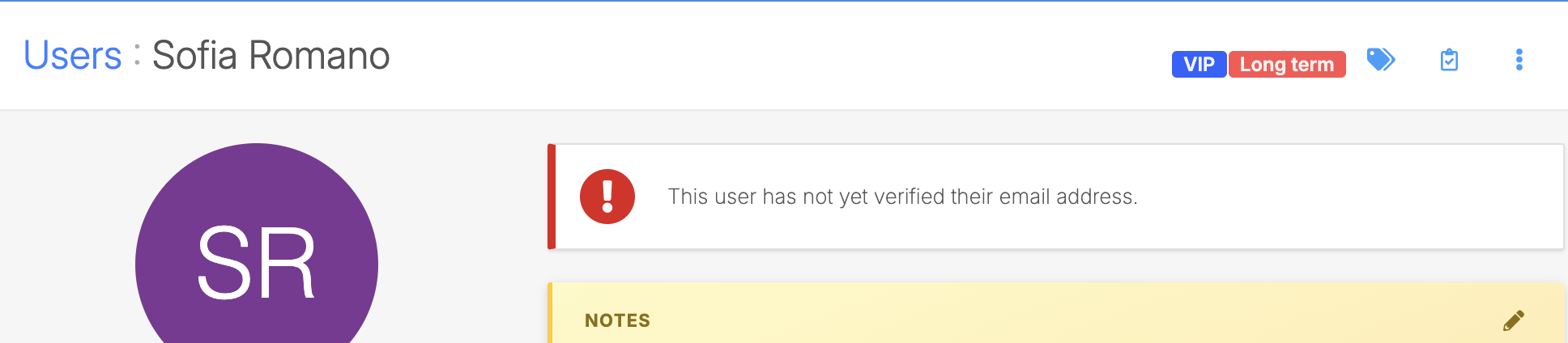
Notes are a free-text field that appears at the top of a customer profile or unit rental page. Because they're always visible without scrolling or clicking into another tab, notes are best for information your team should see every time they open that profile.Good uses for notes:- Payment arrangements ("Customer pays by bank transfer")
- Operational considerations ("Access required via side gate only")
- Preferences ("Prefers contact by phone, not email")
History comments
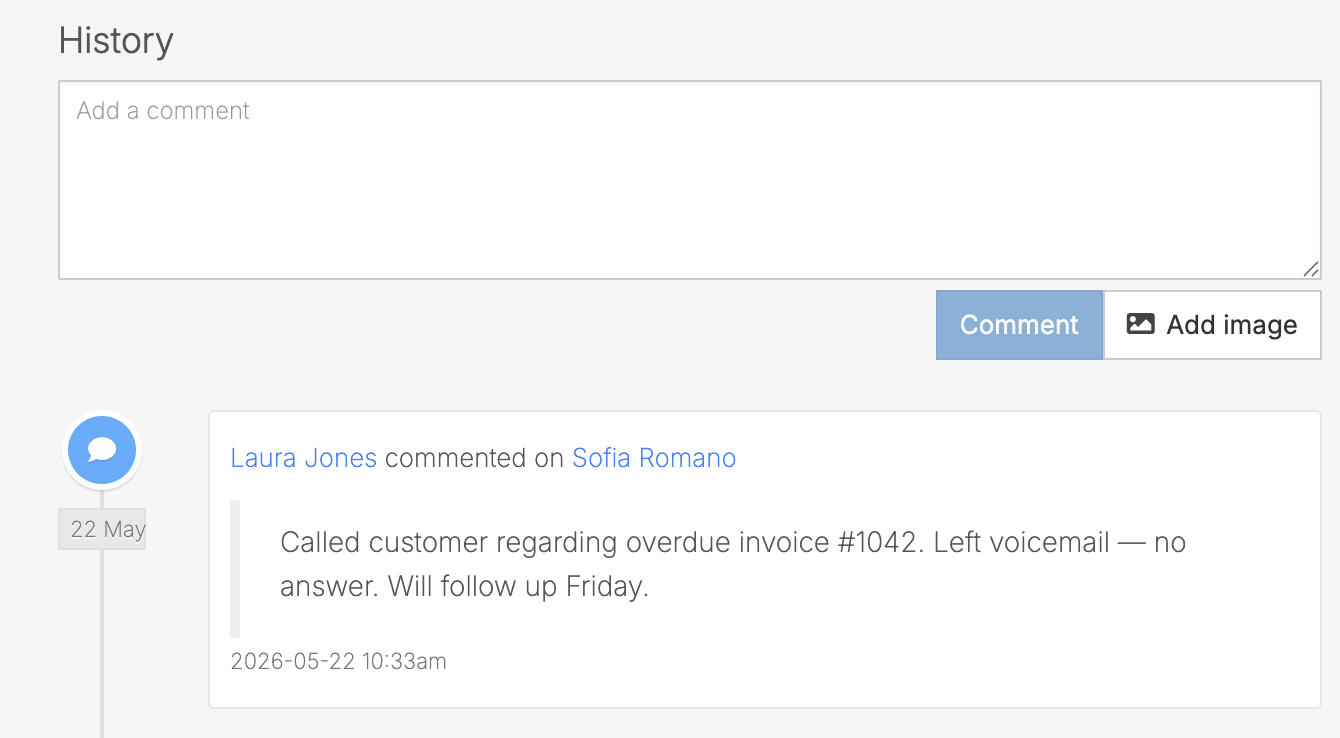
The History section on a customer profile is a timestamped audit log of everything that has happened on the account. System events (move-ins, invoice payments, email sends) are logged automatically, and you can add your own manual comments to record interactions.History comments are best for time-specific records:- "Called customer on 15 January, left voicemail regarding overdue invoice"
- "Customer confirmed move-out for end of month"
- "Sent follow-up email regarding gate code reset"
Tasks
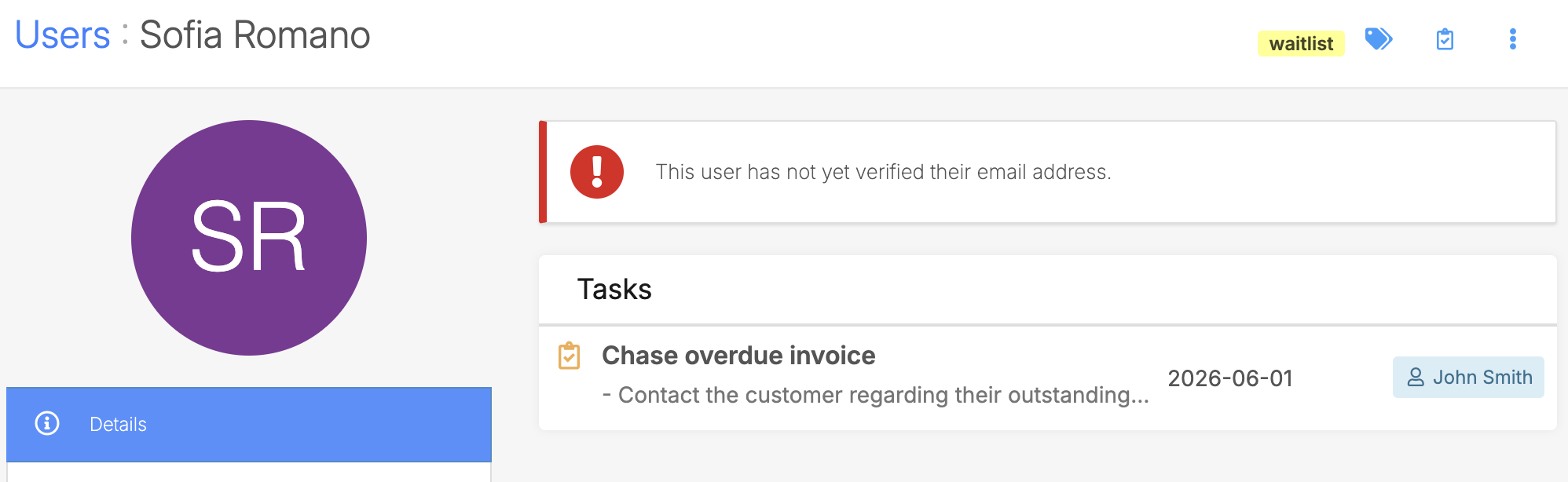
Tasks are action items assigned to a staff member with an optional due date. Use tasks when something needs to be done and you want it tracked, assigned, and visible in a task list.Tasks can be attached to a customer profile, a unit, a unit rental, or an invoice. Overdue tasks are highlighted, and each admin has a personal "My tasks" view. When a task is assigned or reassigned, the assignee receives an email notification.Good uses for tasks:- "Follow up with customer about unpaid invoice by Friday"
- "Inspect unit 14 after move-out on Monday"
- "Send insurance reminder to new tenant"
Custom fields
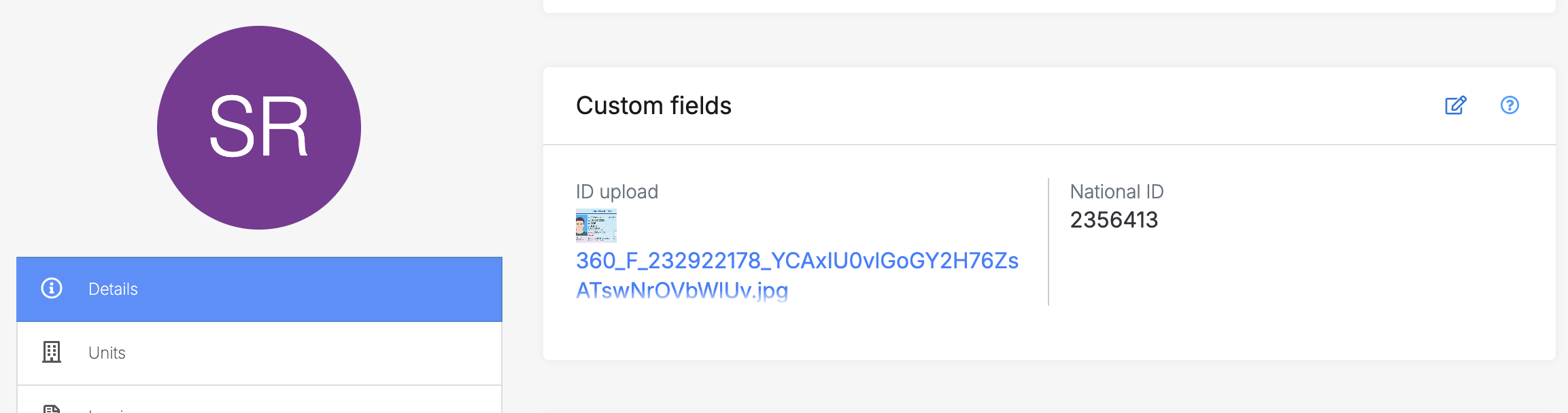
Custom fields let you capture structured data about a customer that isn't covered by the default profile fields. You define the fields yourself in settings, and they appear on the customer profile where staff (and optionally customers) can view or update them.Customer-level custom fields are useful for:- Date of birth or ID number (where legally required)
- ID document upload
- Any data point your business needs to track consistently across customers
Labels
Labels are colour-coded tags you apply to customers (and other records like invoices, units, and sites) to categorise and filter them. They're defined in your label settings and applied from the top-right of any profile page.Labels are useful for segmenting your customer list:- "VIP", "Corporate", "Long-term"
- "Dispute", "Payment issue"
Jump to
Related articles
User details
Set up your labels: Settings for data filtering
Tasks & reminders
Using notes in Storeganise