Passwordless access in the Customer Portal
The Customer Portal supports passwordless login using a one-time code (OTP) sent by email. Customers can log in or sign up without needing to set or remember a password.Password login remains available as an alternative option.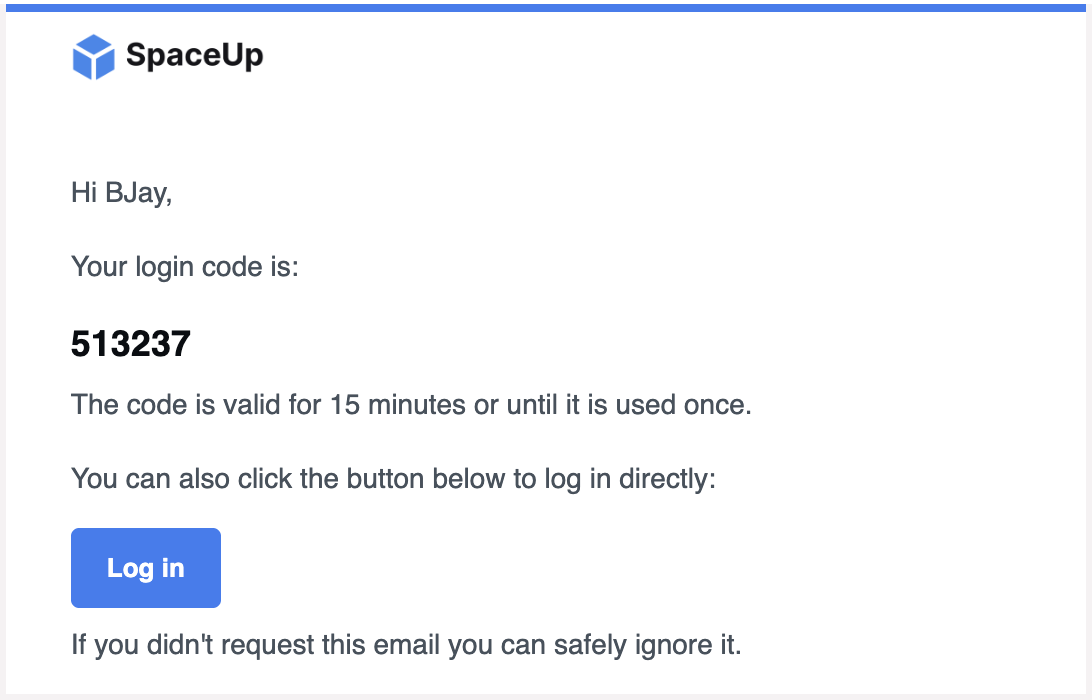
How OTP login works
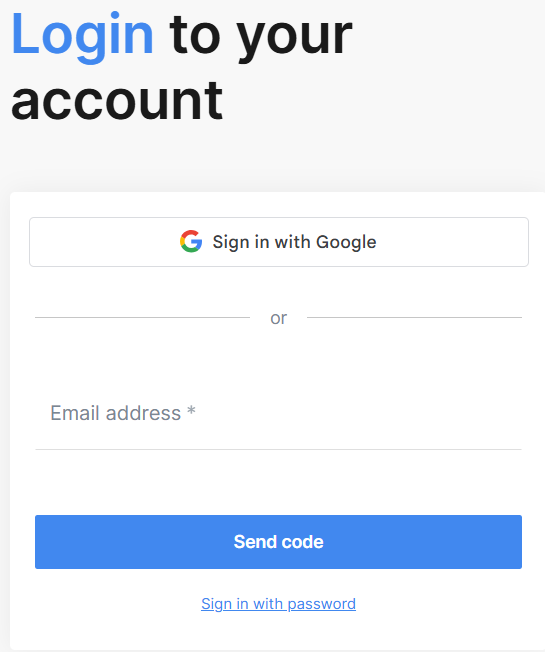
When a customer visits the Customer Portal login page:- The customer enters their email address and selects the Send code option.
- The system sends a 6-digit login code and a magic link to that email address.
- The customer either enters the 6-digit code on the login page or clicks the magic link in the email to log in instantly.
- The customer is logged in and taken to their account.
Note: OTP codes expire after 15 minutes. The customer can request a new code from the login page if needed.
Signing up without a password
New customers completing a booking through the Customer Portal can create an account and submit their order without setting a password. The OTP flow handles authentication at sign-up.Returning customers who already have an account can log in using OTP or their existing password.Security
- OTP codes expire after 15 minutes.
- A maximum of 5 attempts is allowed per code.
- A maximum of 5 active codes can be issued per email address at any time.
- Magic links are single-use and cannot be reused after clicking.
- If an email address is not registered, the login page shows a generic success message to prevent account enumeration.
- Logging in via OTP or magic link also verifies the customer's email address if it has not already been confirmed.
FAQ
Can customers still use a password to log in? Yes. Password login remains available. Customers can switch between the two options on the login page.What happens if the OTP code expires? The customer can request a new code from the login page. The expired code is no longer valid.What happens if a customer clicks an already-used magic link? The system shows an error message and gives the customer the option to request a new link.Jump to