Plans & products market-specific settings
While you will set up the Plans and Store products from the main settings panel, you can choose which plans and products will apply to a specific market in each market's settings panel.Note: Even if you only have one market in your instance, you still need to add the plans and products to the market for them to be visible to customers when they place orders.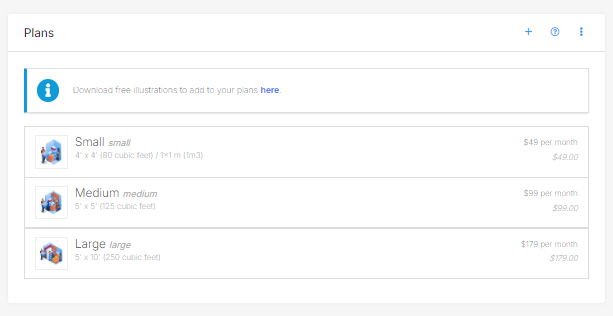
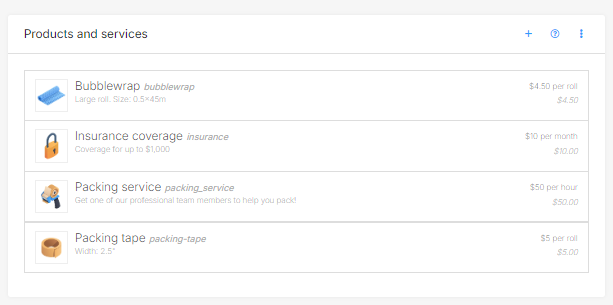
Selecting plans and products for a market
- In the Market settings, click on the Plans & products tab.
- Simply select the plans & products you want to apply to the market and click Save.
Jump to
Related articles
Adding and editing plans for valet
Customise storage items with market-specific settings