Unit rental details
The Unit rental details section displays important information about the customer currently renting the unit. From this page, you can view rental information, billing settings, and access details for the tenant occupying the unit.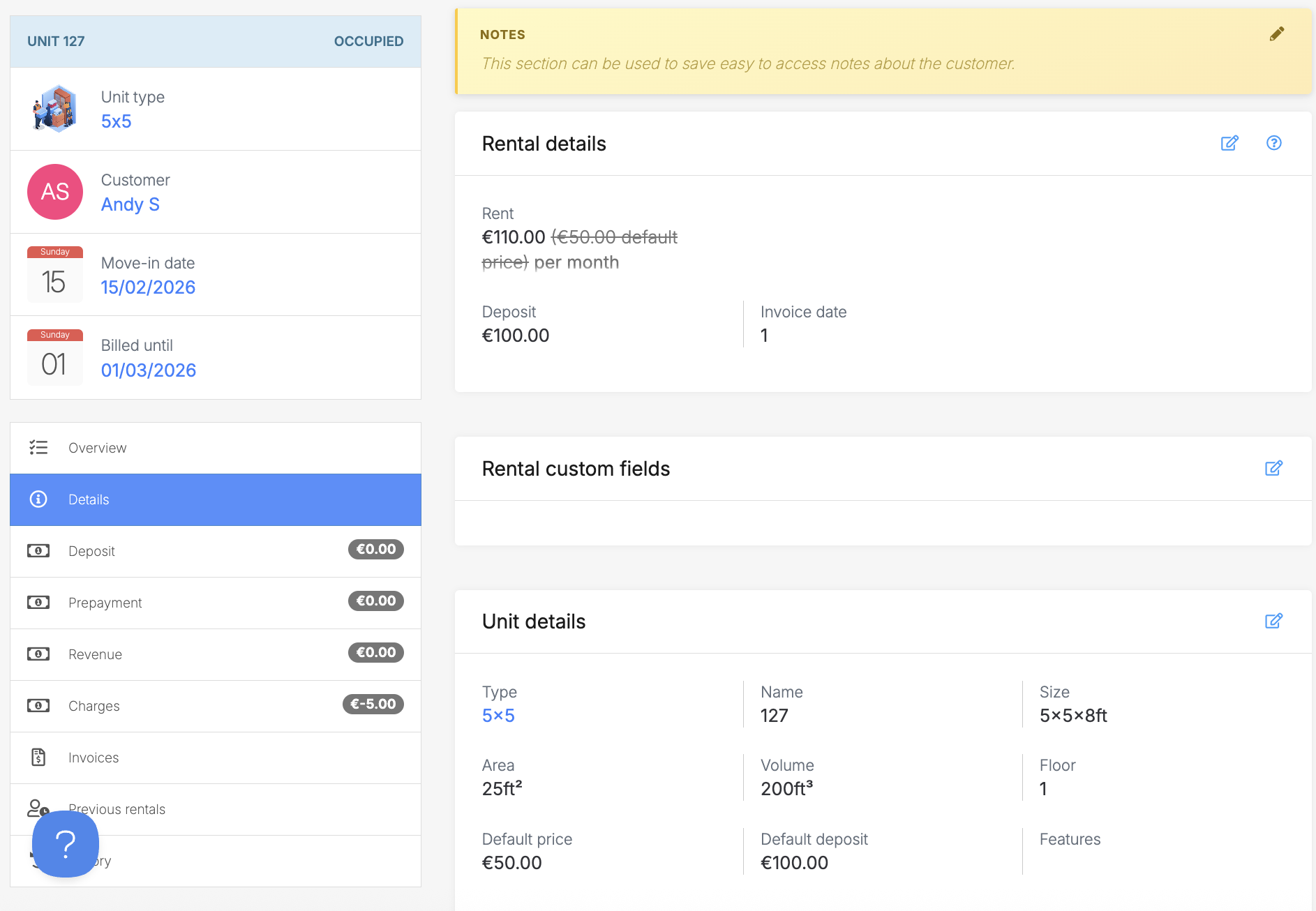
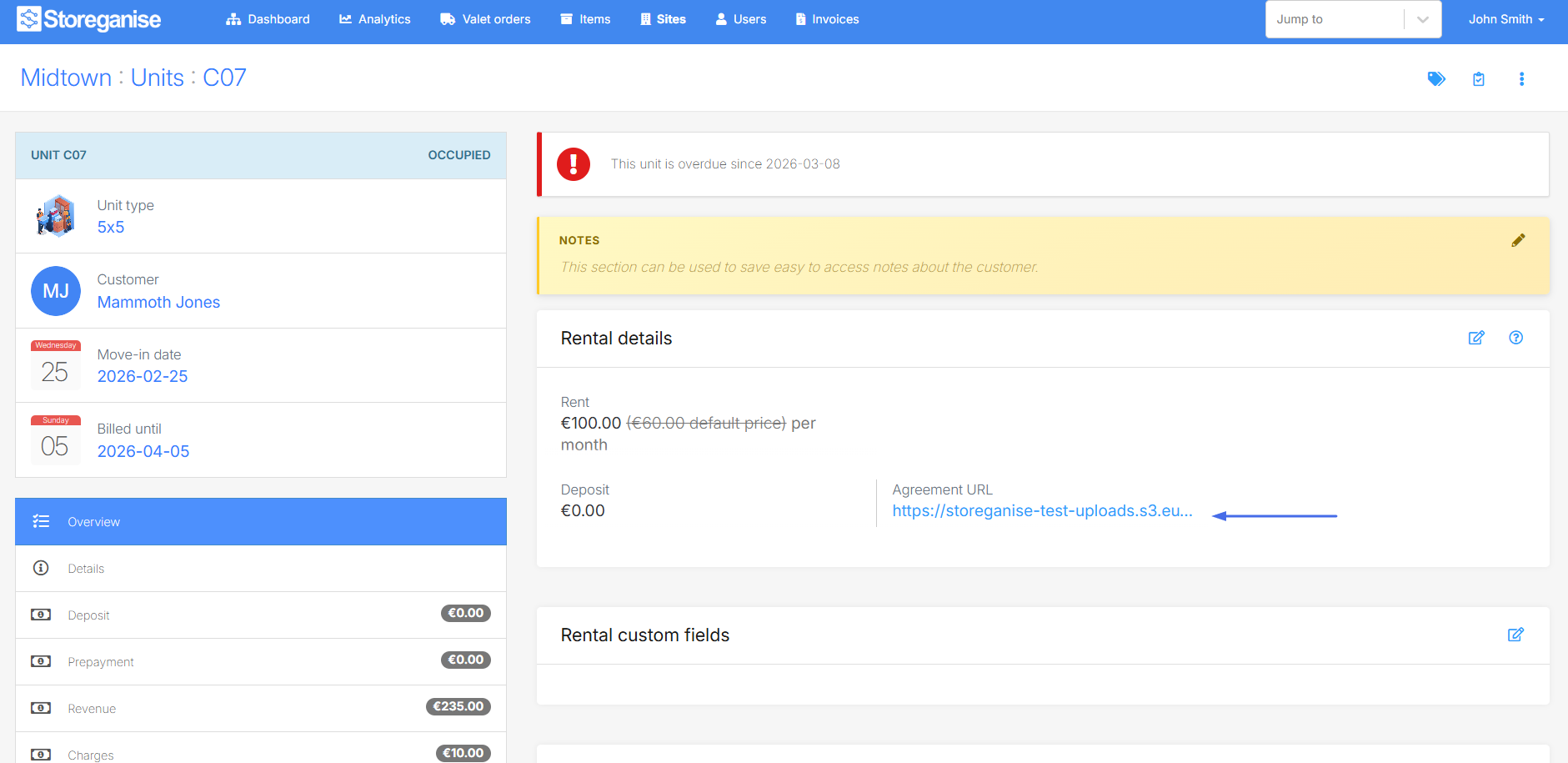 If the move-in was processed from the admin application this field won't appear. You can download a pre-filled agreement (without the customer signature) by clicking in the sidebar "MOVE IN" link, then the 3 dots button in the top right corner.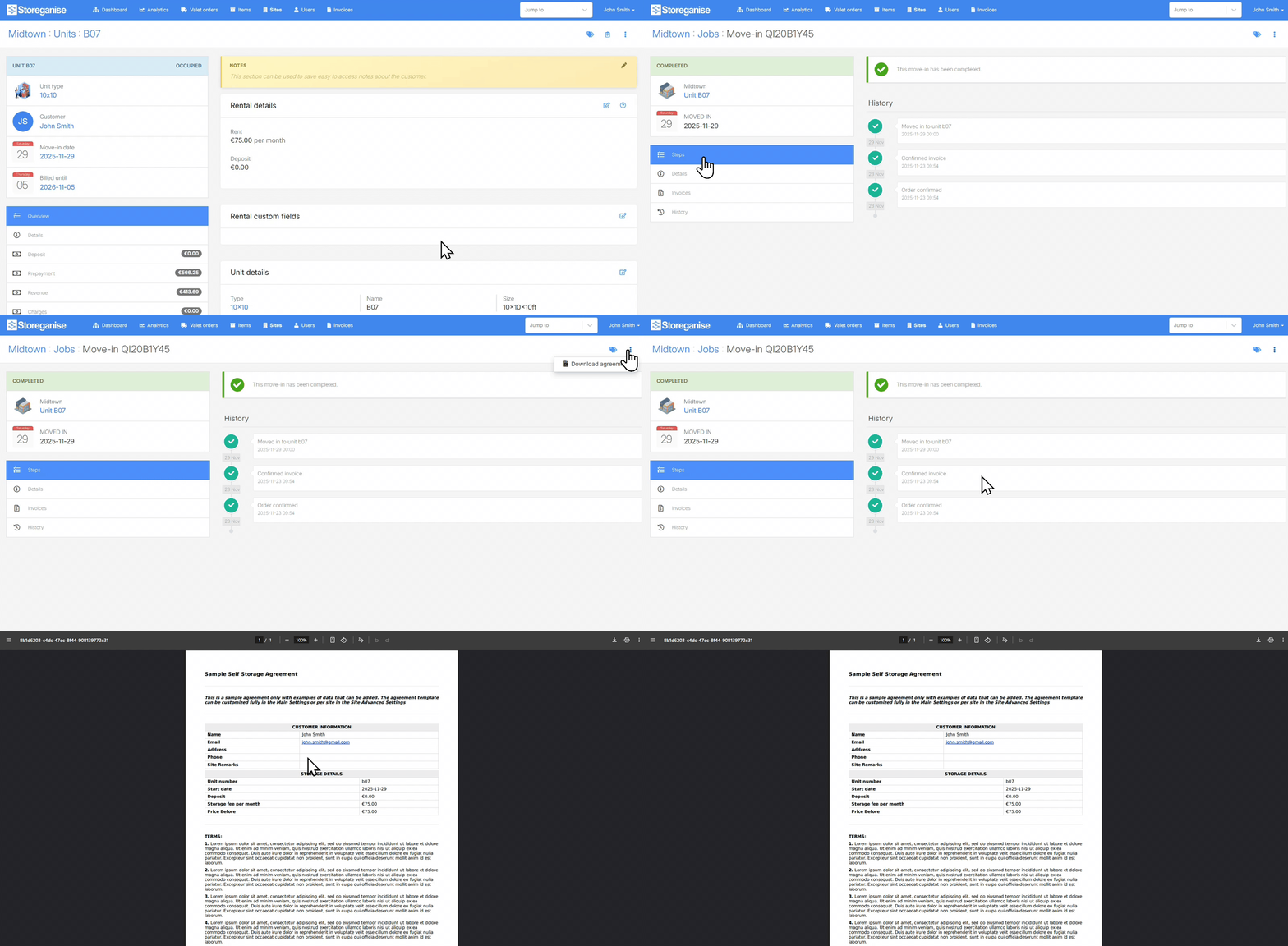
 Once a unit becomes unassigned, the site access code gets cleared back to a blank value.In the Units Customer Portal, the site access code will be visible to a logged in user when they click to view their rented units.
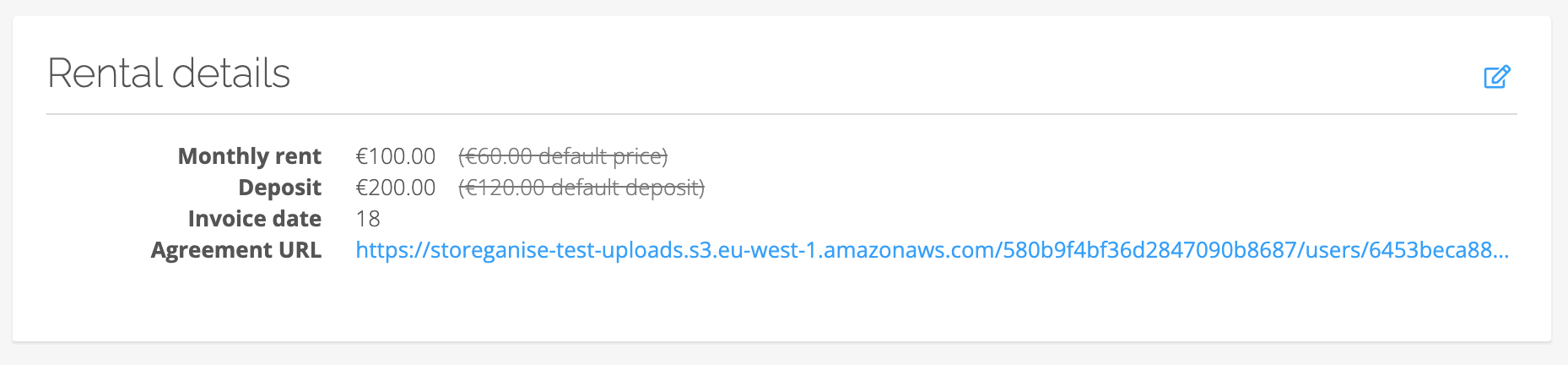 If you have anniversary billing setup for your instance, the invoice date reflects the day of the month that the invoice should be generated each month (i.e. for invoices to generate on the 15th of each month, set to 15).This date will set automatically to the day of the month that matches the move-in date but can be updated, if necessary. Changing this, however, can impact your next invoice so please be careful about how / when these changes are made.Note: Applicable only if you have your instance setup to bill customers on billing anniversary rather than a fixed day of the month. If you are setup for fixed day of month billing, this field will not appear.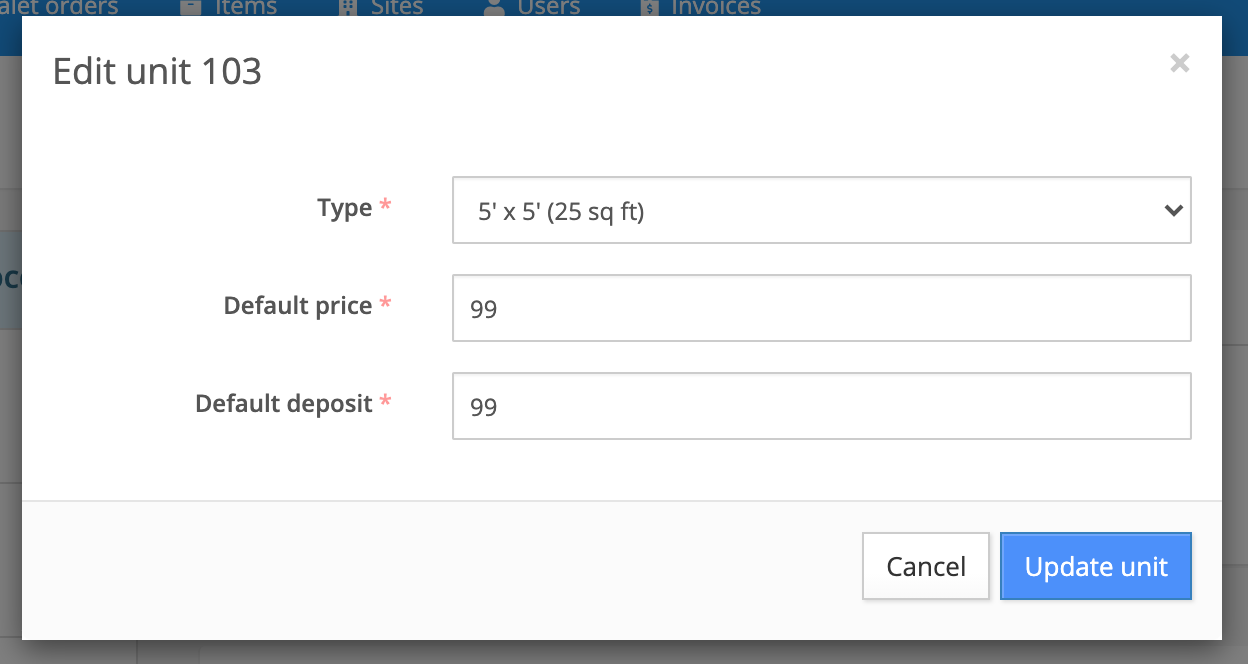
Rental information
Notes
Notes specific to the rentalMonthly rent
Rent rate to be charged per month.Deposit
The amount paid for the deposit account when the unit was booked by a customer.Agreement URL
This is the agreement PDF document signed by the customer when he booked the unit from the customer portal.Resend move-in email
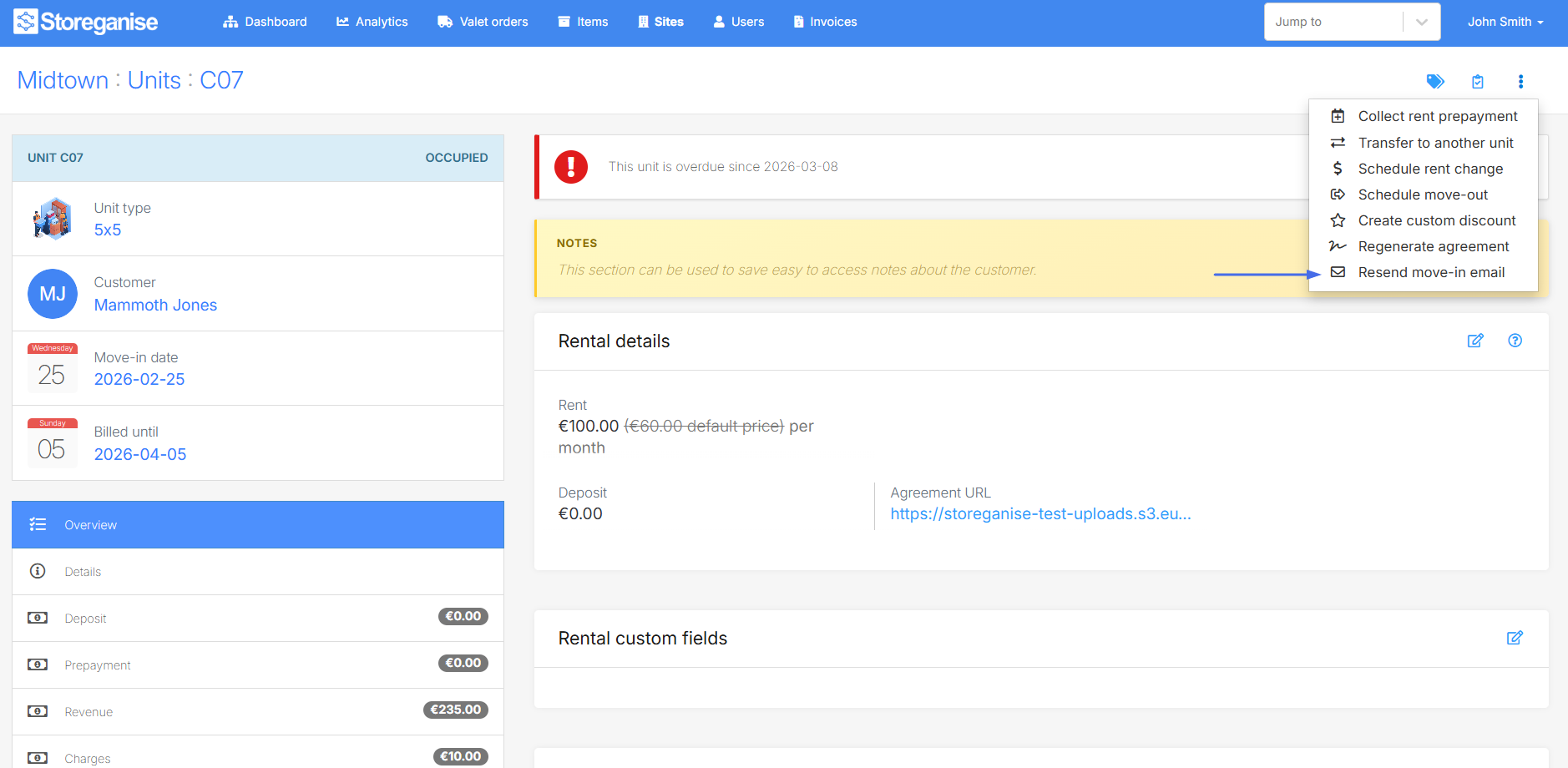
Resends the original move-in confirmation email to the customer. This is useful if the customer did not receive the initial email or needs another copy of their move-in details. See Move-in confirmation emails.Site access code
The site access code is the code assigned for the user occupying the unit to access the site in order to gain access to his / her rented unit.This code is managed in the custom fields section of the unit rental page.Invoice date
Unit type & price
To edit the unit details, click on the pencil icon in the Unit Details section.Type
The unit type associated with the unit.Default price
The default price applicable to the unit. This will be overridden if the price for the unit type is different and the order is created via the Units Customer Portal.Default deposit
The default deposit applicable to the unit. This will be overridden if the deposit for the unit type is different and the order is created via the Units Customer Portal.Unit details & size
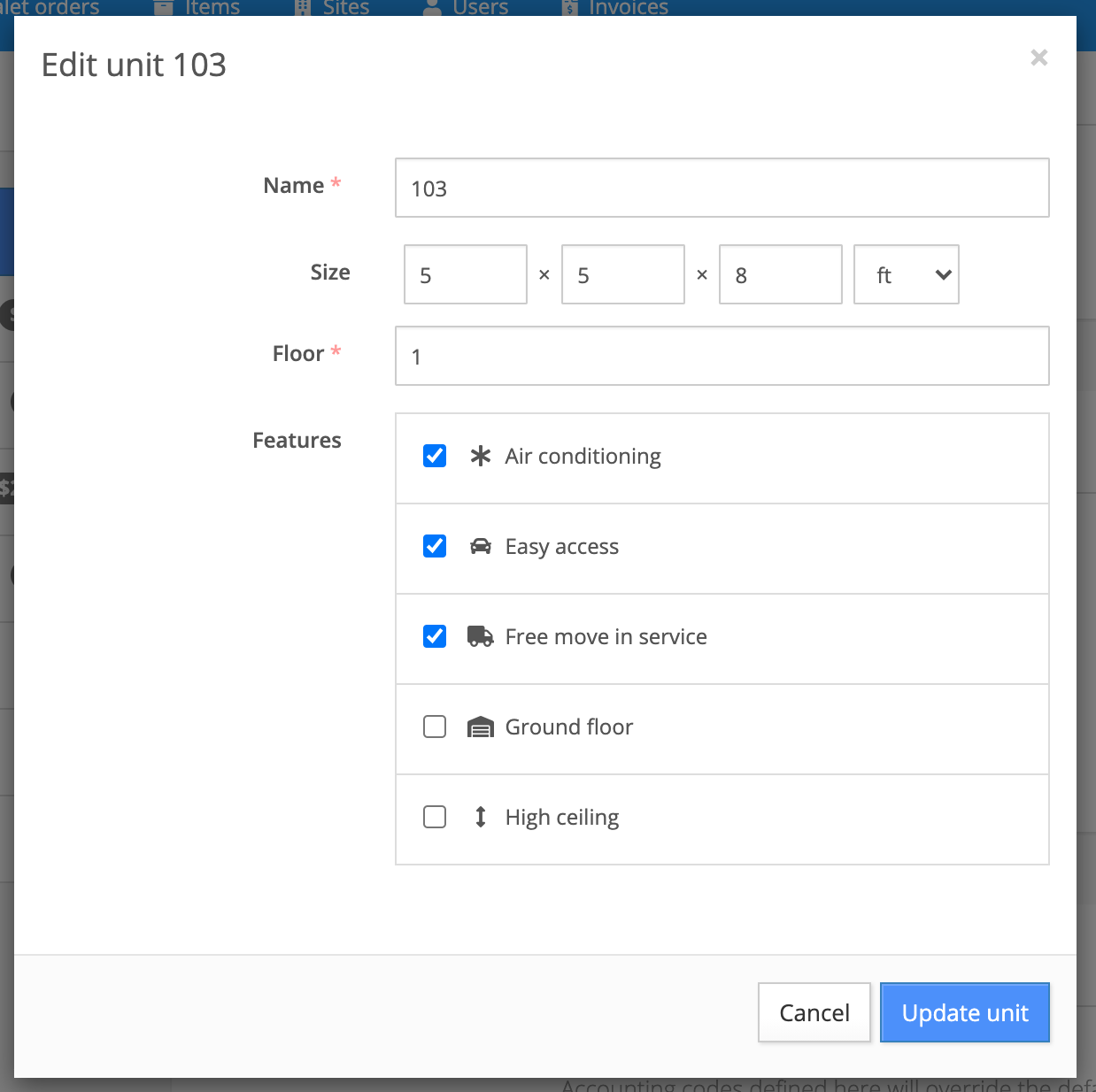
Edit the size and location of the unit by clicking on the pencil icon.- Name: Name for the unit. This must be in alphanumeric format and cannot be the same name as any other unit in the same site.
- Size: Enter the dimensions (width, length and height) for the unit and choose the unit of measure (ft or m).
- Floor: Location of the unit within the site.
- Features: Select the feature(s) that should apply to the unit based on the features setup in the settings.
Jump to